Guide · General
Best Point of Sale Systems for 2026: 10 Options Compared
By the FruitPunch research deskUpdated November 19, 202614 min read
In short
Compare the best point of sale systems for 2026 on fees, hardware, integrations and fit. Ten options, each with seller prices and check dates.
Three in four U.S. retail decision-makers already run their business on a point of sale. That's 74% of the 492 people surveyed for Toast's 2025 voice-of-retail study, which makes the interesting question not whether you need one, but which one survives your busiest Saturday.
The technology is older than most of the people using it. IBM's point-of-sale history dates the first retail UPC scan to June 26, 1974, when a 67-cent pack of Wrigley's Juicy Fruit gum passed a reader at a Marsh Supermarket in Troy, Ohio. The sequence from that day still holds: identify the item, look up the price, record the sale, update the stock.
What has changed is where the cost sits. The ten systems below differ on transaction fees, hardware path, monthly software fee, integrations and business fit. A market vendor and a retailer with a website can pay the same subscription and end up with very different annual bills.
Every entry below uses documented features and published prices, not hands-on testing. FruitPunch quotes prices from the seller and shows the date it checked them, and prices move, so confirm the current terms on each seller's page before buying. Read the trade-off first, then decide whether it describes your business.
Table of Contents
- 1. Square
- 2. Shopify POS
- 3. Toast
- 4. Lightspeed Retail
- 5. Clover
- 6. Helcim
- 7. PayPal Point of Sale
- 8. TouchBistro
- 9. Loyverse
- 10. GoDaddy Point of Sale
- How the ten point-of-sale systems compare on fit, hardware and fees
- Choose by Your Typical Month, Then Check the Seller
1. Square
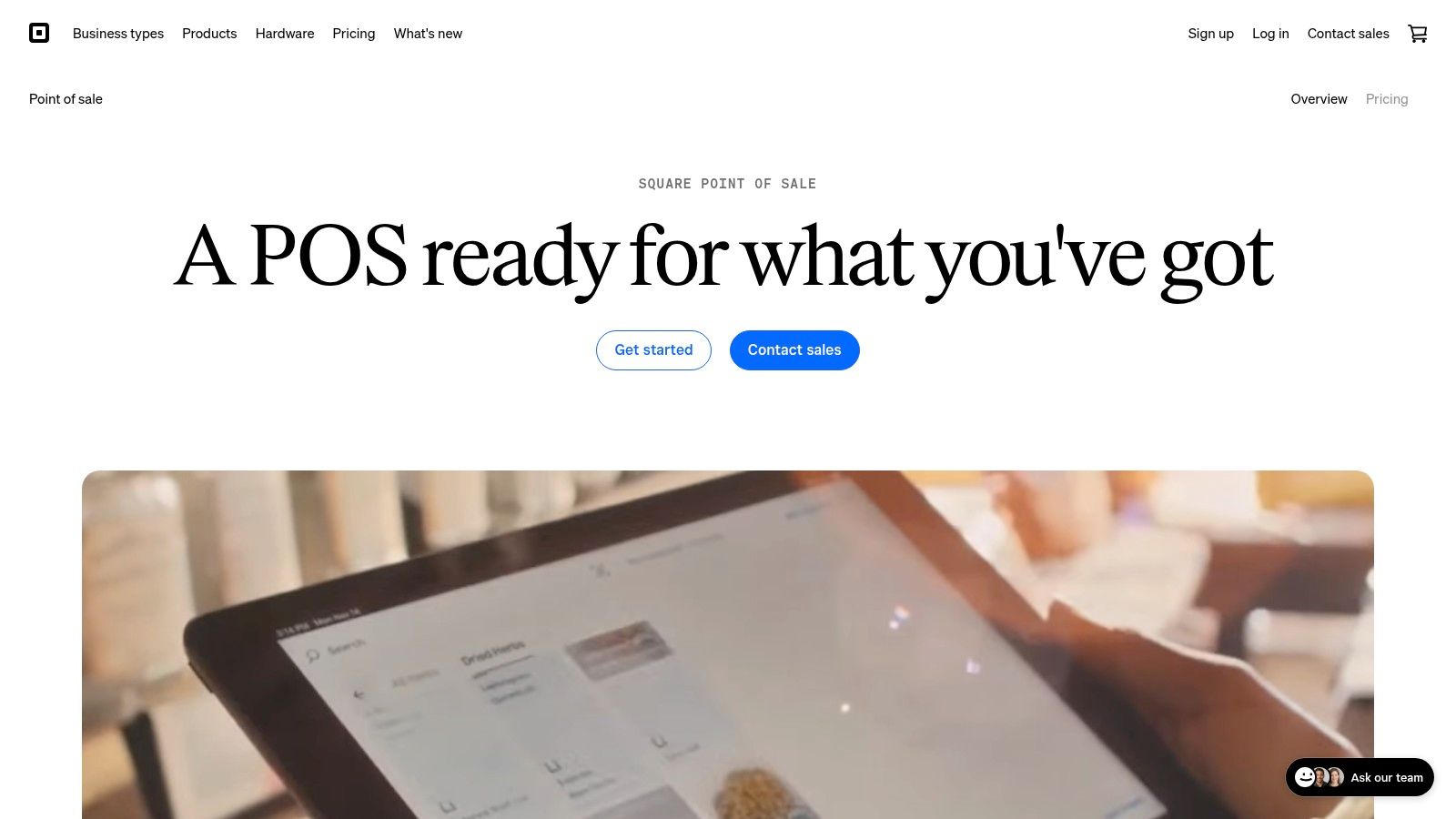
Square is the cheapest way to find out whether a point of sale suits your counter. The free Retail plan carries no monthly software fee and covers inventory, sales reporting, and selling online alongside in-person sales. What the free plan doesn't remove is processing cost. Every card sale still carries a fee, and that fee, not the subscription, is the number that grows with you.
For a café or a market vendor ringing a few dozen sales a day, the trade-off is easy. A busy month costs more in processing than a paid plan would cost in software. Square's case weakens when volume climbs and the per-sale percentage starts to rival rent.
Contactless acceptance is no longer the differentiator it was. The World Bank's payment-system survey found 92% of reporting economies had POS terminals that supported contactless card payments. Software fit is what separates systems now.
- Free Retail plan gives checkout, inventory and reporting without a monthly fee.
- Sales reporting shows what sold, not only a daily total.
- Online and in-person tools keep one catalog across both channels.
- Paid plans add deeper retail management and are charged per location.
- Optional hardware widens which payment methods you can accept.
Watch the per-location charge before upgrading, and check what's bundled rather than assumed. Businesses that invoice after the sale should read the Square invoices review first. Current terms sit on the Square point-of-sale page.
2. Shopify POS
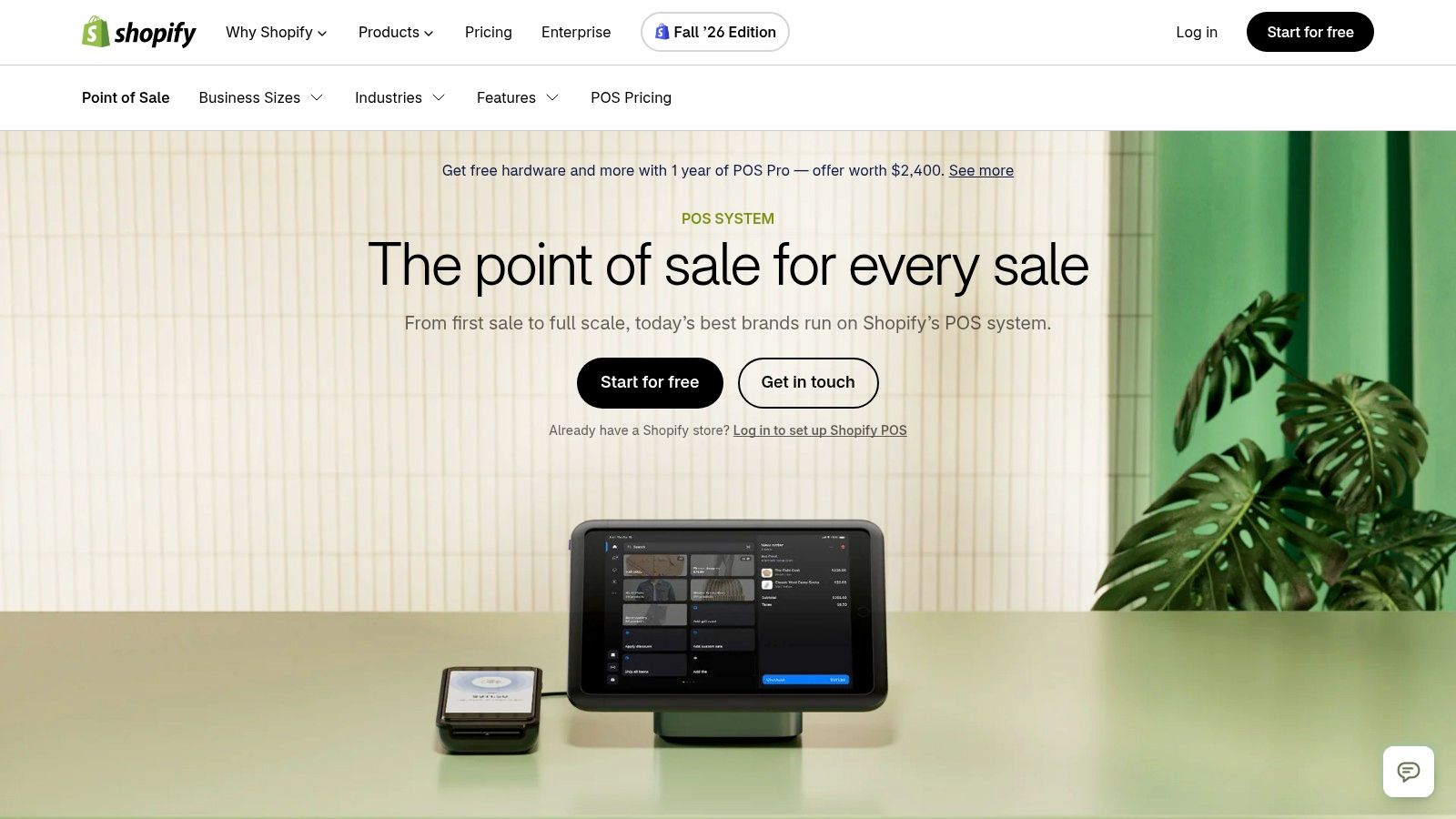
Shopify POS is a second purchase, not a first one. It earns its place the day an online store already runs on Shopify and the counter needs to see the same inventory, the same customers and the same orders. For an online-plus-store seller, that sync alone can justify the cost.
The monthly cost is two lines, not one. A Shopify plan plus payment fees covers the basics, and POS Pro adds a per-location charge on top. Price the whole stack before comparing it with a standalone register, because the software looks cheap only while the ecommerce subscription is paying for itself elsewhere.
Feature lists hide the differences that hurt. U.S. News's POS comparison surveyed 795 self-identified POS users across 23 companies and scored usability and reliability next to pricing and integrations, which is the right order. A refund, a split payment and a stock adjustment should each take a handful of taps, not a support call.
- Shared catalog keeps online and in-store products in one place.
- Multi-location support covers a second shop without a second system.
- Hardware options include a handheld with a built-in barcode scanner.
- Upgrade path opens advanced inventory, staff permissions and reporting.
The catch is the ecosystem. A shop with no Shopify store pays for commerce tools it won't use, and offline behavior deserves a test before the first market day. Details are on the Shopify POS page.
3. Toast
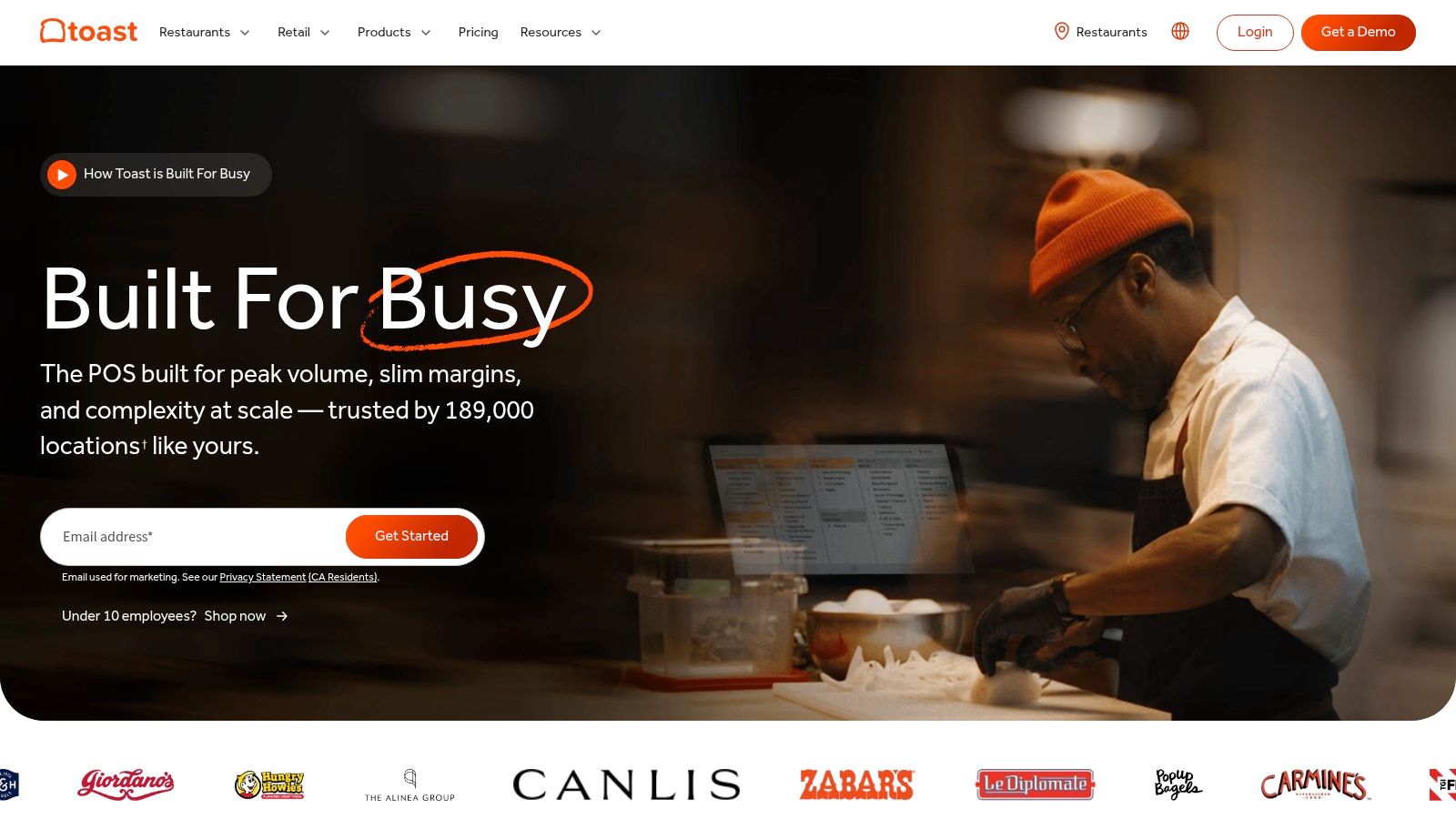
Restaurants keep buying payment technology that fails in front of customers. In a 2025 U.S. consumer survey, 76% of restaurant customers reported encountering payment-technology problems, from failed chip readers to repeated transaction attempts, and fewer than one in four said payment technology always worked, per Canopy's 2025 restaurant tech report. Toast's pitch is that one vendor owns the whole path from menu to money.
For a full-service restaurant, that's worth real money. Menu changes, table maps, coursing and kitchen tickets live in one system, and there's one number to call when a terminal dies mid-service.
The typical-month calculation is harder here than anywhere else on this list. Hardware, processing and add-ons are usually sold together, which makes the headline monthly figure close to meaningless. Ask for the total on a month of your covers and card mix, then ask what the price becomes when any introductory period ends.
- Restaurant workflows cover tables, courses and modifiers.
- Menu and order management update once and apply everywhere.
- Hardware includes rugged handhelds for tableside payment.
- Additional products add kitchen display, online ordering and loyalty.
Test the failure case: ask a restaurant reference what happened the last time the internet dropped during a Friday service.
Toast isn't a general retail tool, and add-on costs accumulate. Owners weighing the wider staffing side should start with the small-business payroll software comparison, which covers tipped wages. Terms are on the Toast page.
4. Lightspeed Retail
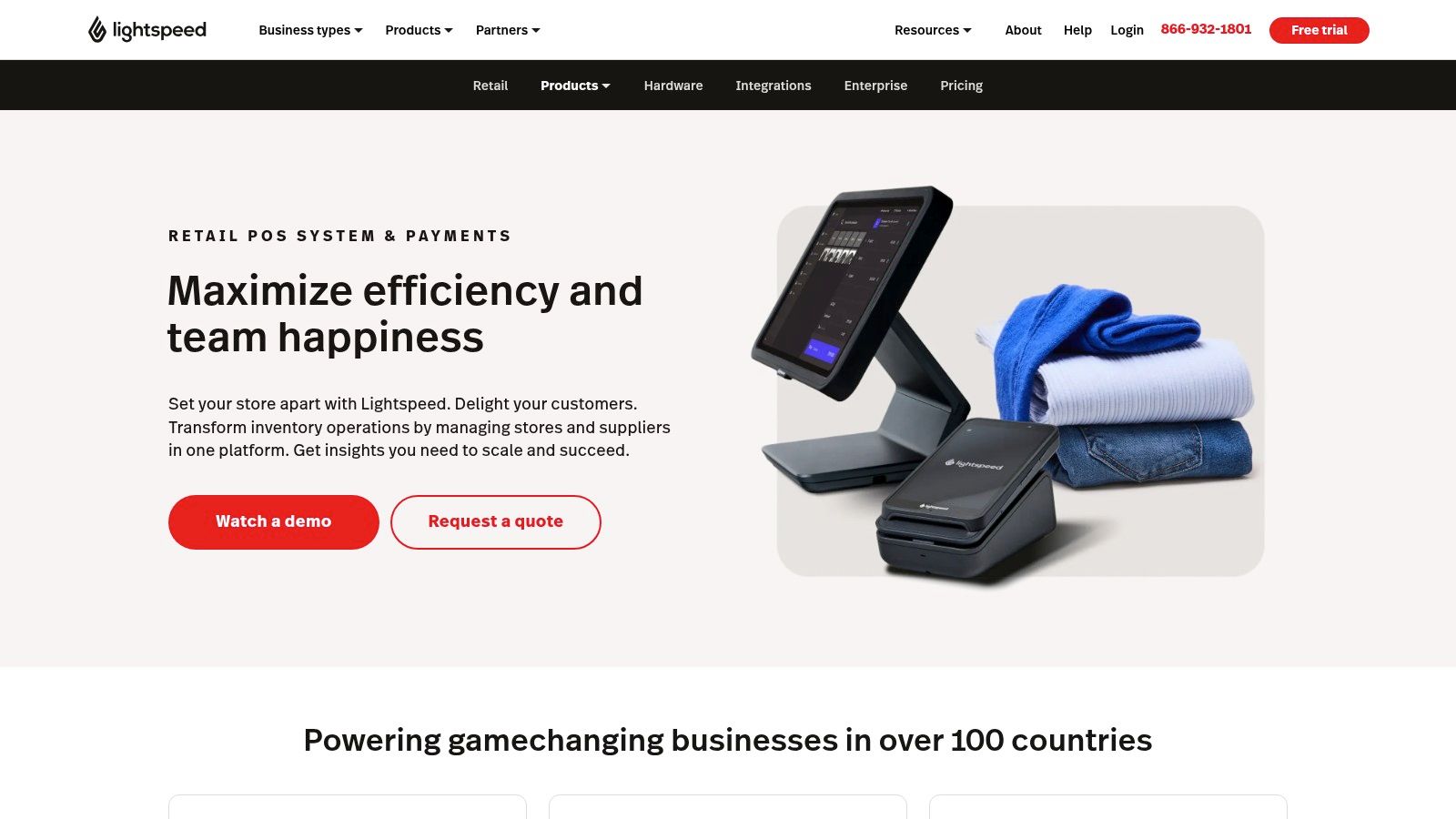
Lightspeed Retail prices like inventory software because that's what it is. Purchase orders, variants, wholesale pricing and multi-location reporting sit inside the POS, and a retailer running thousands of SKUs with seasonal buying feels the difference in the first month. A boutique with a single rail of stock won't.
The monthly price starts above the free-entry systems, and extra registers or locations move it again. The reason to pay it is depth. A purchase order that reflects what arrived, and a stock count that reconciles without a spreadsheet, save hours that a cheaper register spends.
Market size isn't a buying criterion
Grand View Research valued the global POS software market at about USD 17.1 billion in 2025, projected to reach USD 38.8 billion by 2033 at a 10.8% compound annual growth rate, with Asia-Pacific holding 31.7% of 2025 revenue. A market that size lets every vendor claim scale. What settles a decision is inventory synchronization, offline transaction handling, API access and omnichannel order management.
- Inventory management handles variants, kits and reorder points.
- Purchase orders and wholesale tools track supplier costs and arriving stock.
- Ecommerce and loyalty connect the shop to an online storefront.
- Reporting and integrations export data your bookkeeper can use.
Review payment terms closely, because processing sits outside the subscription. Compare plans on the Lightspeed Retail page.
5. Clover
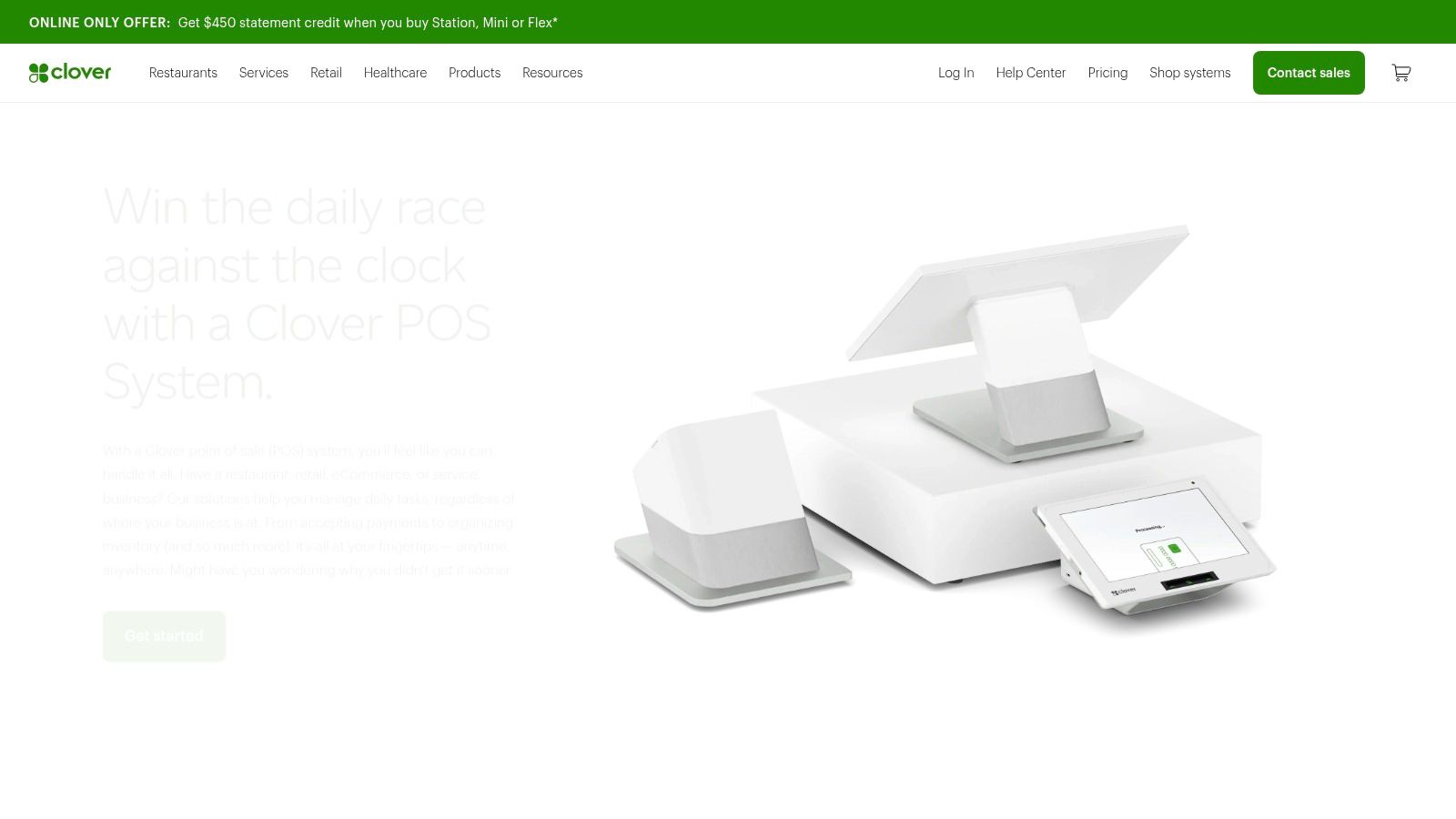
Clover sells a terminal, and the terminal is the point. Countertop units and handhelds arrive configured for a retail, restaurant or service workflow, which suits a business that wants a dedicated register rather than an app on somebody's phone.
The agreement matters more than the device
Costs depend on the package and the agreement behind it. Transaction rates vary by provider, and devices bought through a different reseller carry different terms and processor restrictions. Two businesses running identical Clover hardware can pay very different monthly totals.
Those differences land on cash flow, not on a comparison chart. A 2025 Paysafe survey of U.S. small and midsize businesses found 48% cited high interchange fees as a leading processing challenge, and 42% had delayed paying vendors or employees because of cash-flow problems. Settlement timing belongs in your cost model alongside the rate.
- Countertop and handheld systems cover a fixed till or a roaming one.
- Industry-specific packages adjust menus, stock or booking tools.
- Payment acceptance tools include tap, chip and swipe.
- Business-management features handle reporting, staff and inventory.
Read the statement, not the brochure: the rate on the contract matters more than the device in the box.
Compare hardware and software bundles on the Clover POS systems page.
6. Helcim
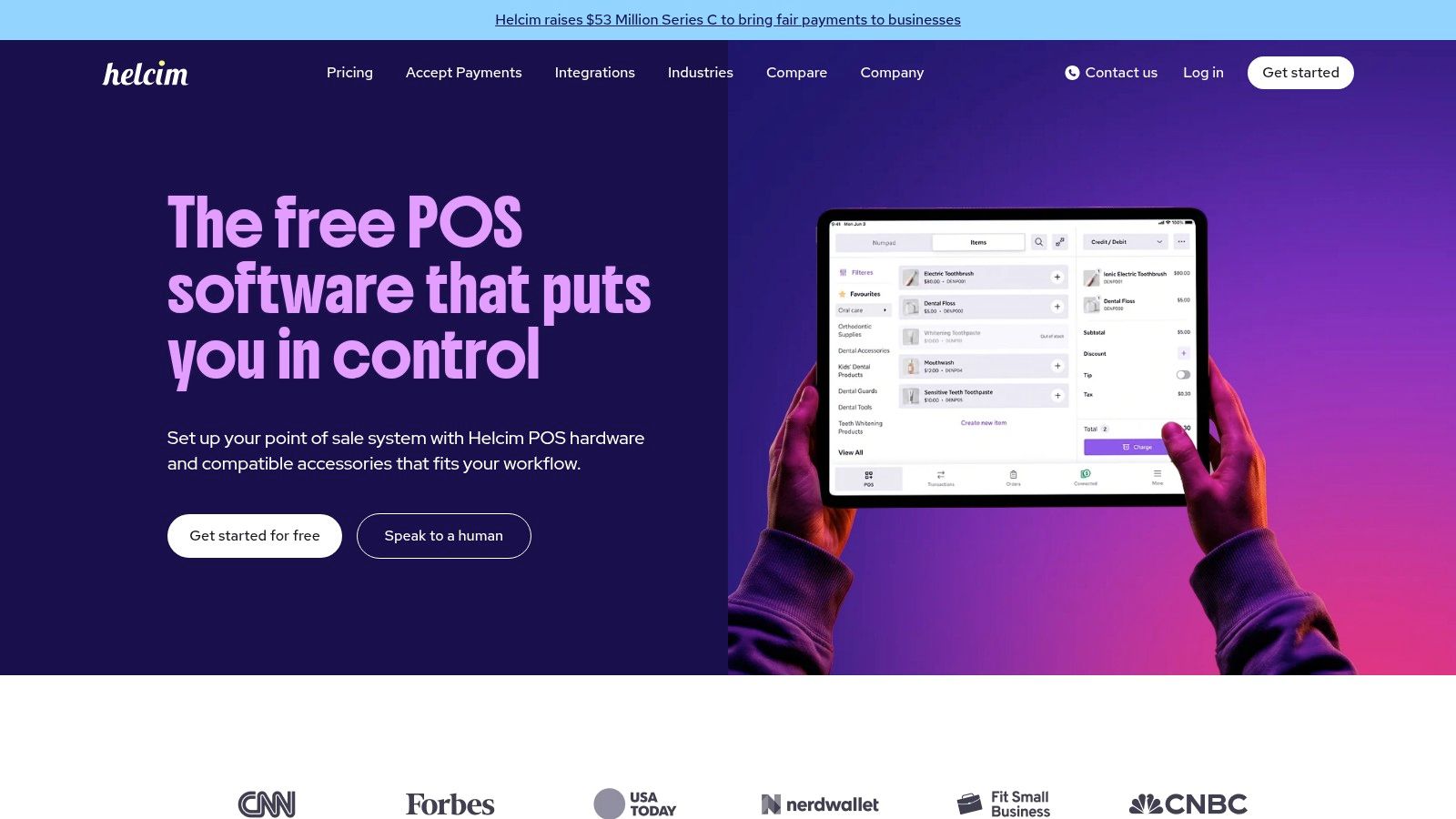
Helcim removes the monthly software line and puts the cost where it belongs, in processing. The POS account is free, hardware costs extra, and there's no long-term equipment lease. For a counter-based business that reads its statements, that structure is easier to audit than a bundled package.
Run the arithmetic on a real month rather than a rate table. Take your average ticket, your transaction count and the share of debit, then add the reader or terminal to the total. At low volume the hardware is the biggest single cost. At high volume the rate dominates, and a published low rate saves more than any subscription discount.
Practical rule: if a provider won't show a rate card before a contract, the rate isn't the product. The contract is.
The trade-off is support and depth. Setup is more self-directed than a restaurant platform's, and a shop with complex stock workflows will feel the missing retail tooling. Check device requirements before ordering hardware.
- Free POS account keeps software off the monthly bill.
- Payment processing is priced separately and published.
- Card reader and smart terminal options cover a counter or a small countertop.
- No long-term equipment lease keeps the exit open.
A business comparing processing costs first should start on the Helcim point-of-sale page.
7. PayPal Point of Sale
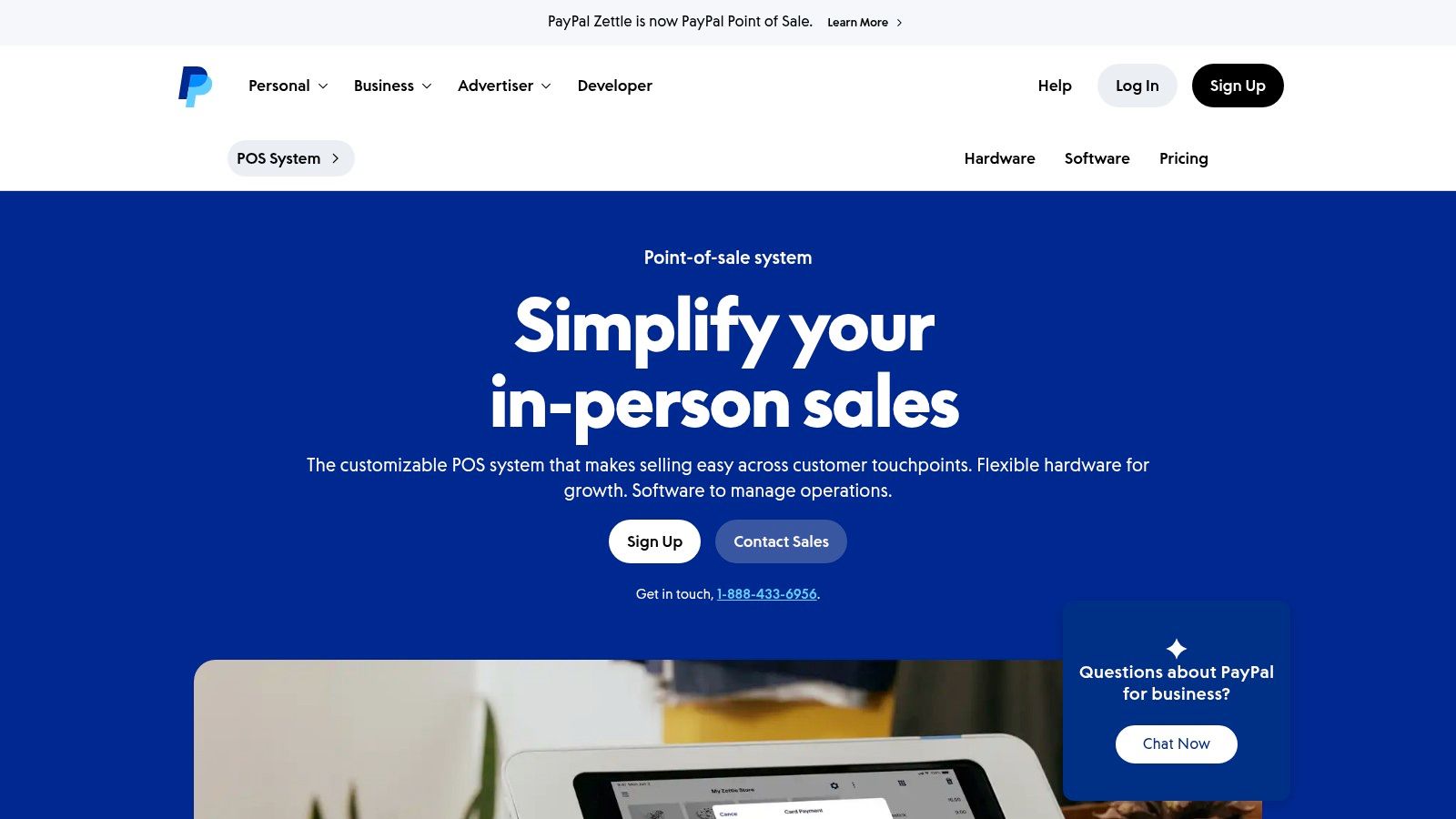
PayPal Point of Sale is for the seller whose counter moves. The app runs on a phone or tablet, a card reader or portable terminal takes the payment, and no monthly or setup fee is listed. For a market stall, a fair booth or a mobile service, that's enough to start taking cards this week.
It's also the natural pick for a business already collecting PayPal online, because the money lands in one account and reconciles in one place instead of two.
Where it stops working
The feature set is the trade-off. It takes payments well and runs a shop less well, with no purchase orders, no wholesale pricing and thinner reporting than a retail platform offers. Check device compatibility before buying hardware, because the reader paired with one phone may not pair with the next.
- Mobile POS app turns a phone or tablet into a checkout.
- Card reader and terminal options cover counter and on-the-go sales.
- Card-present and QR payments handle both tap and scan.
- No monthly or setup fee is listed, so idle months cost nothing.
Processing fees still apply to every transaction, and support for complex retail or restaurant workflows is limited. Compare devices on the PayPal POS page.
8. TouchBistro
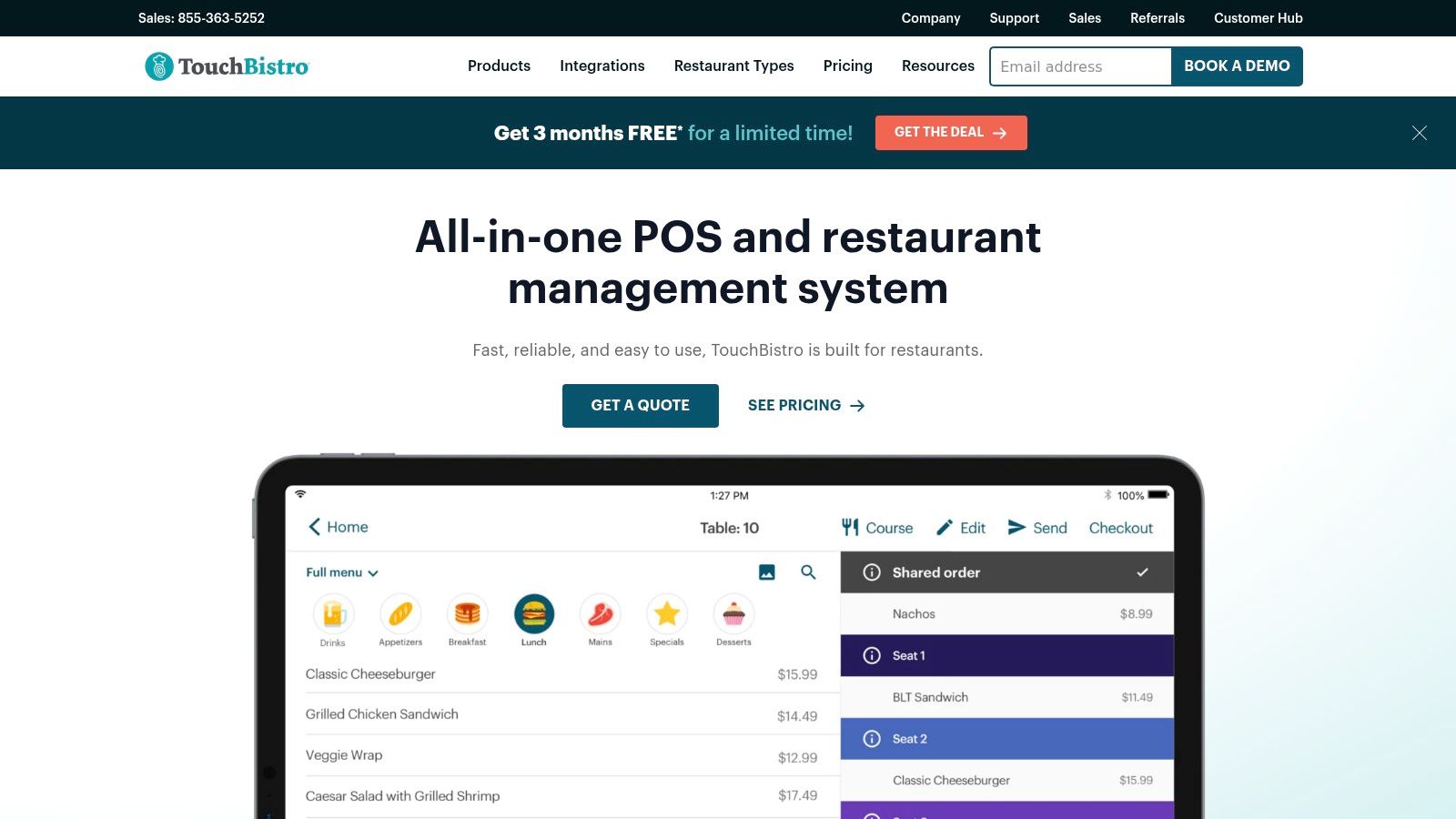
TouchBistro sells restaurants a floor plan, and floor plans are harder than they look. Table moves, splits, coursing and turning a table for a walk-in all depend on the POS knowing where every seat is and what stage the meal has reached.
The core bundle covers menu and staff tools, floor-plan and table management, and reporting, with 24/7 support included according to its pricing page. Kitchen display, online ordering and inventory management are paid add-ons, which is where a small restaurant's monthly bill usually grows past the quote.
Hardware is required for the POS plan, so the first month includes equipment. Weigh that against a system running on a tablet you already own, and against one that bundles printing and scanning into a handheld. Payment processing and additional fees sit outside the subscription.
A trial run through one busy Friday service tells you more than a demo in an empty dining room.
- Menu and staff tools handle modifiers, shifts and permissions.
- Floor-plan and table management map the room and its turns.
- Reporting covers sales mix and staff performance.
- Optional products add kitchen display, online ordering and inventory.
For a restaurant where service workflow is the whole job, it's worth comparing directly with the other restaurant-first system on this list. Details are on the TouchBistro page.
9. Loyverse
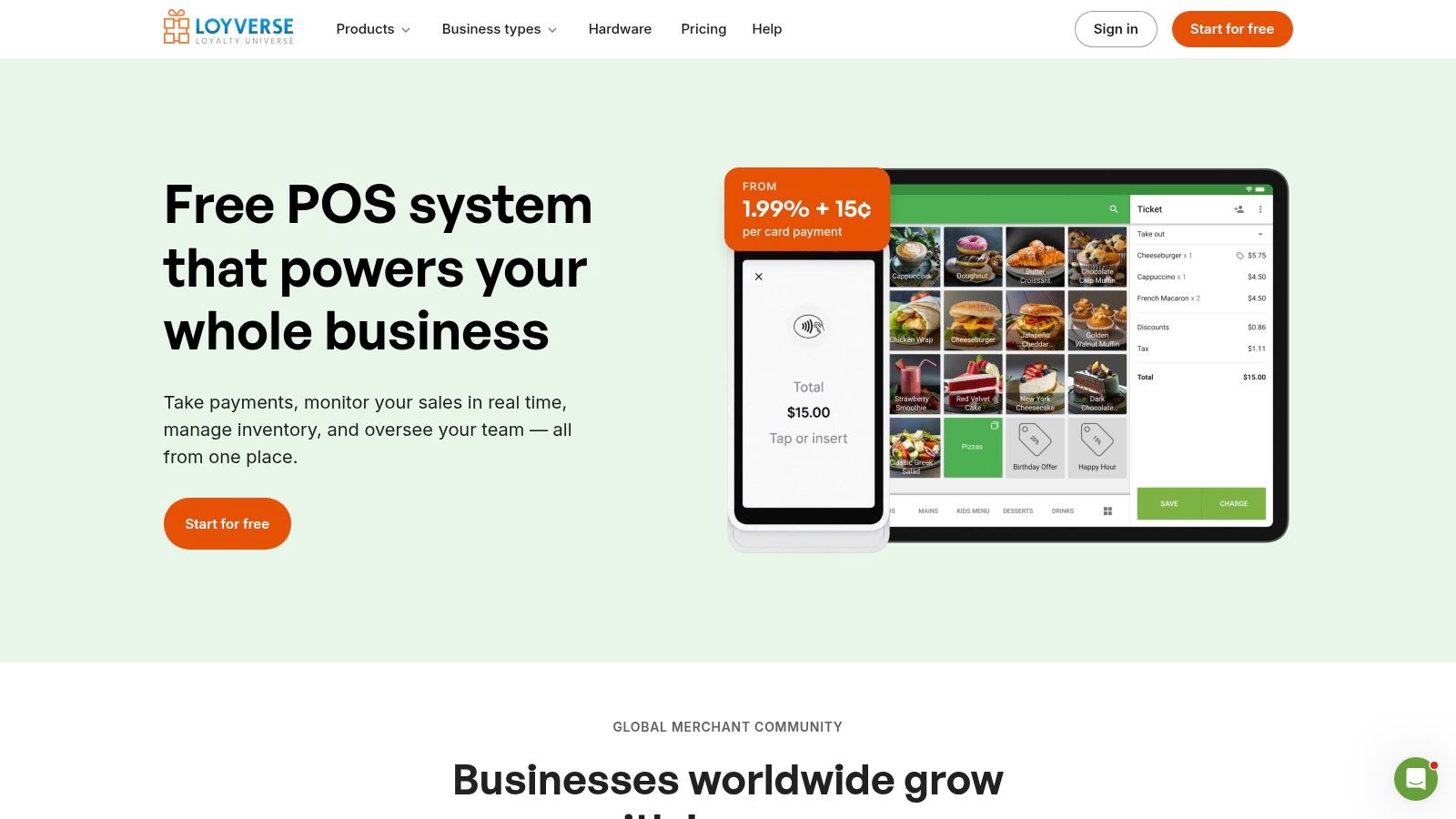
Loyverse is the free option that works, with a catch that appears after the first month. Core sales, inventory, loyalty and a customer display cost nothing, it runs on phones, tablets and supported POS devices, and no credit card is required to start. A café or small shop can test a full POS workflow before spending anything.
What the free plan leaves out
Free sales analytics cover only the last 31 days. Employee management, advanced inventory and longer sales history are paid add-ons, so a shop that wants to compare this October with last October pays for the privilege. That makes Loyverse a strong fit for a business testing whether a POS helps at all, and a weaker fit for one that needs year-over-year reporting.
Payment rates and hardware compatibility deserve a check before committing. The software is free, the processing isn't, and the device you already own may or may not be supported.
- Free core POS software covers checkout, basic inventory and loyalty.
- Works on phones and tablets you may already have.
- Optional paid add-ons extend history, employees and inventory.
- No credit card to start keeps the trial free.
Start with the add-on list rather than the feature list, because the add-ons are the bill. Terms sit on the Loyverse page.
10. GoDaddy Point of Sale
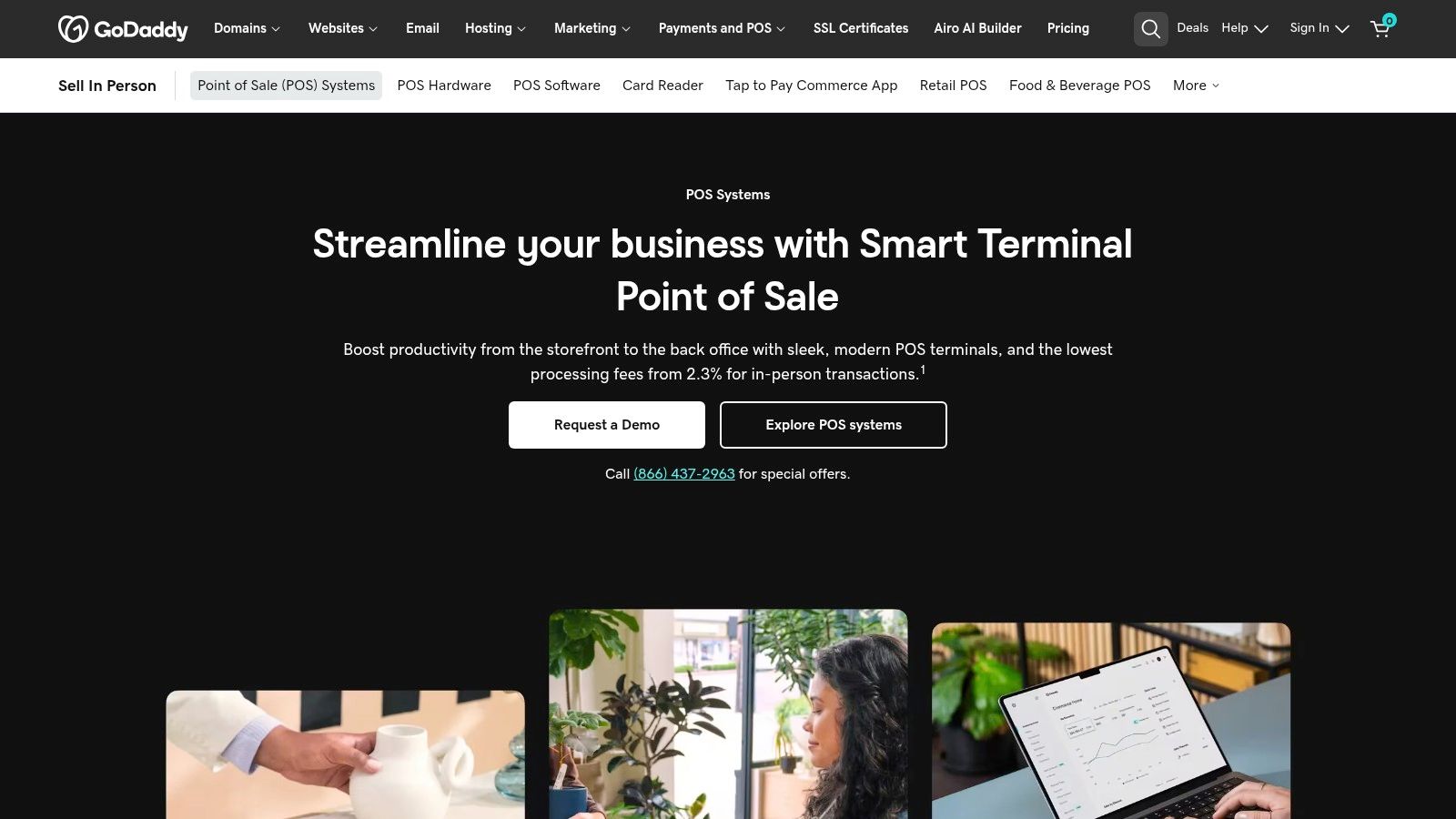
GoDaddy Point of Sale is a website company's answer to a counter, and for some businesses that bundle is exactly right. A phone-based option and a smart terminal cover in-person selling, and the product catalog and inventory sync across in-person and online sales, so one edit reaches both.
The wider GoDaddy offering includes website-building tools, which means a business that needs a simple site and a way to take cards can keep both in one account and one invoice. That's the appeal: fewer logins, one support line.
Some features require the paid Plus plan, and the listed processing rates don't add a per-transaction fixed fee, which matters for low-ticket sellers. Overall fit depends on the wider commerce ecosystem, so confirm device, plan and processing terms rather than assuming them.
- Phone-based mobile POS takes payment away from a counter.
- Smart terminal handles a fixed till with printing.
- Catalog sync keeps in-person and online sales aligned.
- Website tools sit in the same account as the checkout.
If the website decision comes first, the best website builders comparison covers what each platform handles before a store is bolted on. Terms are on the GoDaddy point-of-sale page.
How the ten point-of-sale systems compare on fit, hardware and fees
| Item | Best for | Free or entry option | Hardware approach | Fee watch-out |
|---|---|---|---|---|
| Square | Small businesses starting with basic checkout | Free Retail plan | Some payment methods work with optional hardware | Processing fees apply on the free plan; paid plans charge per location |
| Shopify POS | Retailers connecting in-store and online sales | Requires a Shopify plan | POS hardware options available | Shopify plan and payment fees apply; POS Pro adds a per-location charge |
| Toast | Restaurants needing restaurant-focused workflows | Low-cost entry option for some new restaurants | Hardware options available | Hardware, payment arrangements, and add-ons can increase total costs |
| Lightspeed Retail | Independent retailers with complex inventory needs | Paid plans; no free entry option listed | Costs may vary with additional registers or locations | Review pricing and payment terms; extra registers or locations may add costs |
| Clover | Businesses wanting a dedicated register or handheld terminal | Package-dependent | Countertop and handheld systems | Costs and transaction rates vary by package and agreement |
| Helcim | Businesses seeking POS software without a monthly subscription | POS software included with a free account | Card readers and smart terminals available at extra cost | Processing charges still apply; hardware costs extra |
| PayPal Point of Sale | Mobile sellers and businesses already using PayPal | No monthly or setup fee listed | App with card readers and portable terminal options | Transaction processing fees apply |
| TouchBistro | Restaurants centered on table and service workflows | Paid POS plan; no free option listed | Hardware required; hardware-and-software bundle available | Processing and additional fees apply; some capabilities cost extra |
| Loyverse | Smaller shops and cafés testing a POS workflow | Free core POS software | Works on phones, tablets, and supported POS devices | Advanced inventory and employee tools cost extra; check payment rates |
| GoDaddy Point of Sale | Small businesses combining online and in-person sales | Phone-based option; some features require Plus | Smart terminal or phone-based POS | Confirm device, plan, and processing terms; some features require Plus |
Choose by Your Typical Month, Then Check the Seller
Pick the system that fits your busiest sales pattern, not your quietest one. A café with a morning rush needs speed at the till and a queue that clears. A market vendor needs battery, connectivity and a receipt that prints without a second device. A retailer with a website needs one catalog, not two.
Work out the cost of a typical month rather than the headline plan price. Four lines do most of the work: processing on your real card mix, hardware or terminal cost spread over its life, add-ons you'd switch on, and any per-location or per-register charge.
The processing line is the one that grows without you deciding anything. Non-cash payments in the euro area reached 72.1 billion transactions in the first half of 2024, up 7.4% year over year, according to the European Central Bank. Volume rises with your sales, so a rate that looks fine in a slow month gets expensive in a good one.
Ask three questions before shortlisting. What happens at checkout when the internet drops, and for how long will the system keep taking payments? How many steps does a refund take, and can a new hire learn it in a minute? What does support cost or include when the terminal fails at 12:40 on a Saturday?
Then narrow to two or three options that match your business type, and check the seller's page for current plans, hardware bundles and processing terms. FruitPunch quotes prices from the seller and shows the date it checked them, precisely because monthly fees and rate cards change without notice. A comparison is a starting point, not a contract.
The method behind these entries scores documented features and published prices, never hands-on testing. Quality carries 40% of the score, ease of use 25% and value 35%, so a system that undercuts everything on price can still finish behind one that's easier to run during a rush.
FruitPunch publishes scored rankings of business software alongside sourced statistics, with every price taken from the seller and dated so a shortlist starts from current figures. The business section sets point-of-sale options, payroll tools and website builders side by side, showing how each scored on quality, ease of use and value. Visit FruitPunch to compare your shortlist before signing a processing agreement.
Spotted an error in this guide? Email editorial@fruitpunch.ai