Guide · General
10 Best HR Systems for Small Companies in 2026
By the FruitPunch research deskUpdated November 20, 202614 min read
In short
Compare the 10 best HR systems for small companies by core functions, ease of use, scalability, and cost, with sourced prices and honest limits.

The best HR systems for small companies keep employee records, time off, and onboarding together. Payroll belongs in the same system only when it earns its cost. The workload behind that decision is already heavy: 64% of leaders in a 2023 Paychex survey of 600 U.S. business and HR leaders at companies with 5 to 500 employees reported spending more than 570 hours annually on HR administration, according to Paychex's survey announcement.
The buying question is practical: which system removes duplicate work without adding unnecessary subscriptions, configuration, or compliance uncertainty?
FruitPunch applies the same public weighting to every system compared below: quality 40%, ease of use 25%, and value 35%. Quality means coverage of the team's actual work. Ease means manageable setup and employee workflows. Value means the complete package, not its smallest advertised component. A tool with fewer modules can still outrank a bigger suite when its core work is stronger and its total cost stays proportionate.
- Payroll-led platforms suit teams whose main problem is paying people accurately.
- Records-first HRIS tools suit employers replacing spreadsheets and scattered employee files.
- Hybrids and service-led options connect HR with scheduling, IT, international employment, or outside support.
Price checks follow the same discipline. Where a cost is quoted, it comes from the seller's own page with the date it was checked. Compare the complete package, base charge, per-worker fee, and added services, rather than the headline rate alone. Prices change, and the smallest advertised number rarely reflects the actual bill.
Table of Contents
- 1. Gusto
- 2. BambooHR
- 3. Rippling
- 4. Zoho People
- 5. Homebase
- 6. OnPay
- 7. Justworks
- 8. Deel
- 9. RUN Powered by ADP
- 10. Factorial
- HR systems for small companies at a glance
- How to Choose and Switch Without Regret
1. Gusto
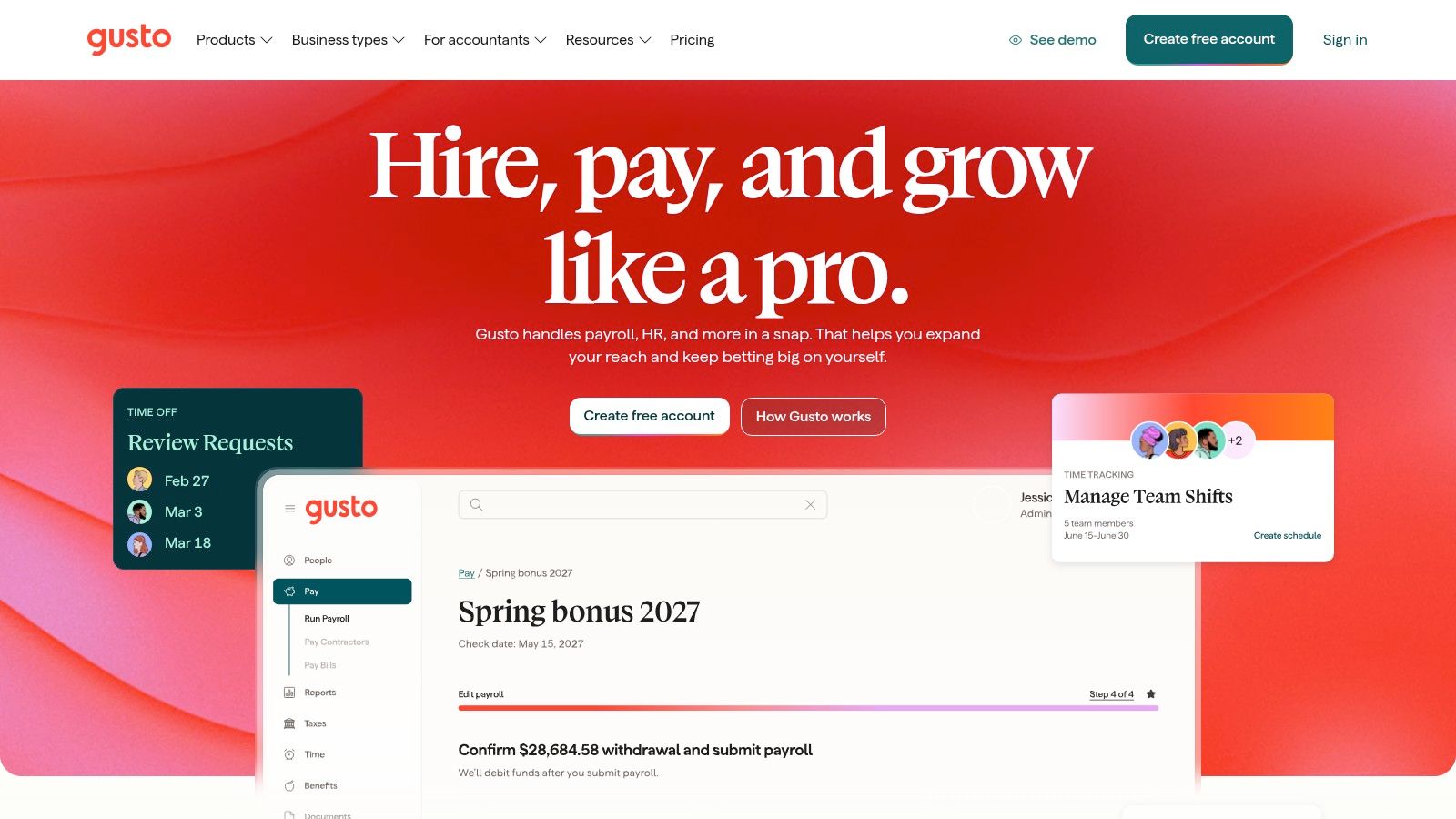
Gusto is the strongest starting point for a U.S. team buying HR around payroll. It combines payroll processing with onboarding, employee access, benefits administration, and plan-dependent HR support. Its appeal is consolidation rather than an unusually broad collection of people-management modules.
Gusto describes payroll tax calculations, filings, and payments alongside employee self-service. That combination matters when an administrator otherwise collects employee information in one tool and re-enters it into payroll.
Assessment Against the Weighted Criteria
- Quality, 40%: Payroll and routine HR belong to the same employee workflow. Benefits eligibility and advanced support still need to match the selected package.
- Ease of use, 25%: Employee self-service can move routine information collection away from the administrator. The relevant demonstration is a complete new-hire journey, not just the dashboard.
- Value, 35%: Base charges, worker charges, and additional services should be evaluated together. A modest team can feel the fixed portion particularly strongly.
The limitation is scope. Gusto is primarily a U.S. payroll choice, and access to more advanced HR help can depend on the plan or additional services.
Deciding detail: whether payroll consolidation removes more work than a separate HRIS would. The small-business payroll software comparison provides a useful cross-check when payroll is the main buying priority.
2. BambooHR
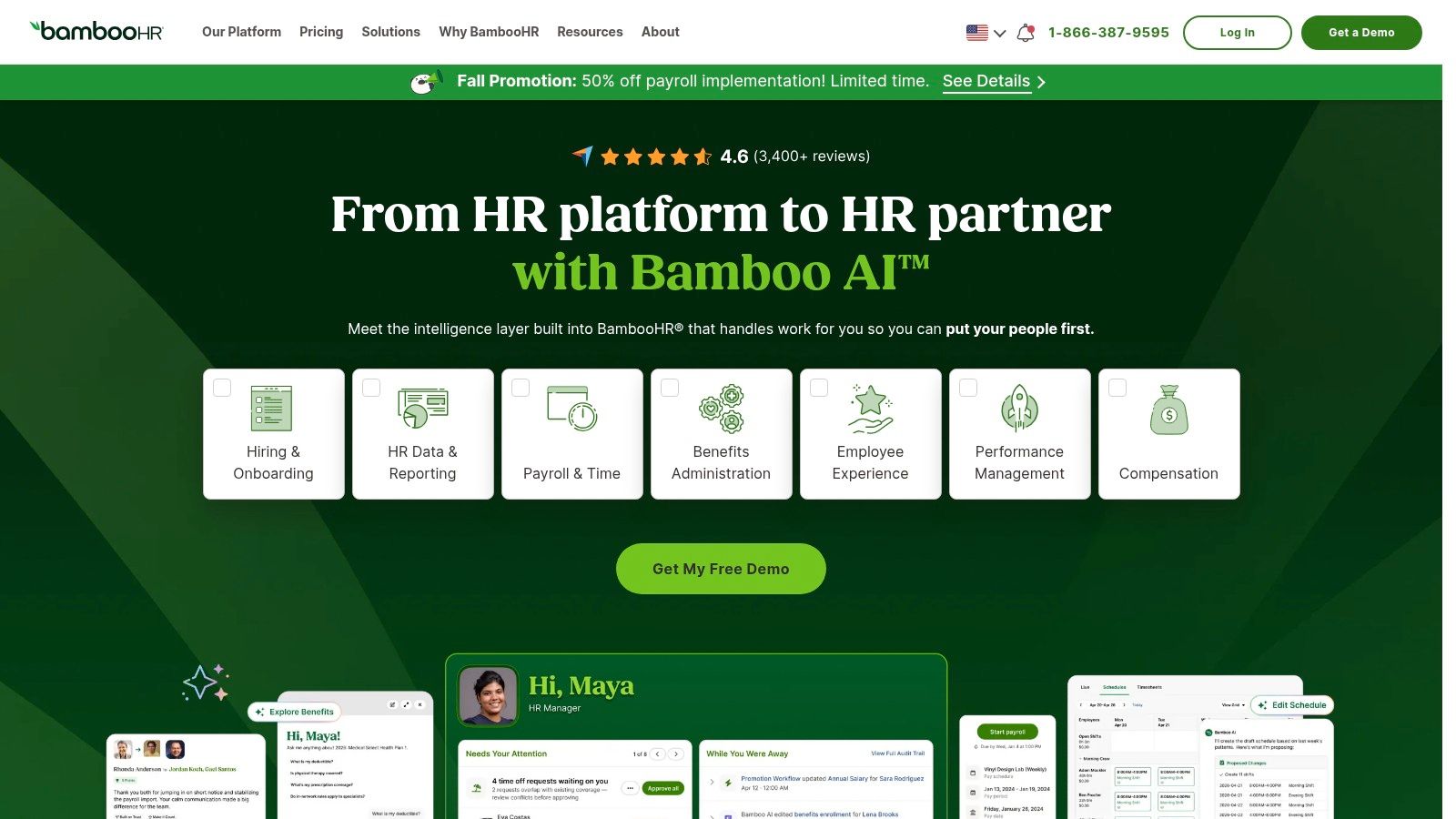
BambooHR makes more sense when employee administration is the problem, not payroll itself. A company with a satisfactory payroll provider may need better records, onboarding, approvals, and reporting instead of a replacement payroll engine.
BambooHR positions its platform around employee information and the employee lifecycle. Hiring, onboarding, time off, and reporting form the core proposition, while broader performance, compensation, and analytics capabilities depend on packaging.
Keeping a working payroll provider can be sensible. An HRIS should replace a broken process, not force a payroll migration without a clear benefit.
Under quality, BambooHR's attraction is coverage of everyday HR administration. Under ease of use, the important test is whether managers can approve requests and retrieve the right information without asking HR to intervene.
For value, the buyer should distinguish core HR from payroll and other additional products. Month-to-month availability, described by the vendor, may be useful, but cancellation terms and implementation costs still belong in the purchase review.
Its limitation is that broad HR coverage doesn't automatically mean an economical all-in-one package. Deciding detail: whether the business needs a durable employee record system while leaving payroll or benefits elsewhere. A demonstration should include permission-controlled records, an approval change, and an employee departure, not only onboarding.
3. Rippling
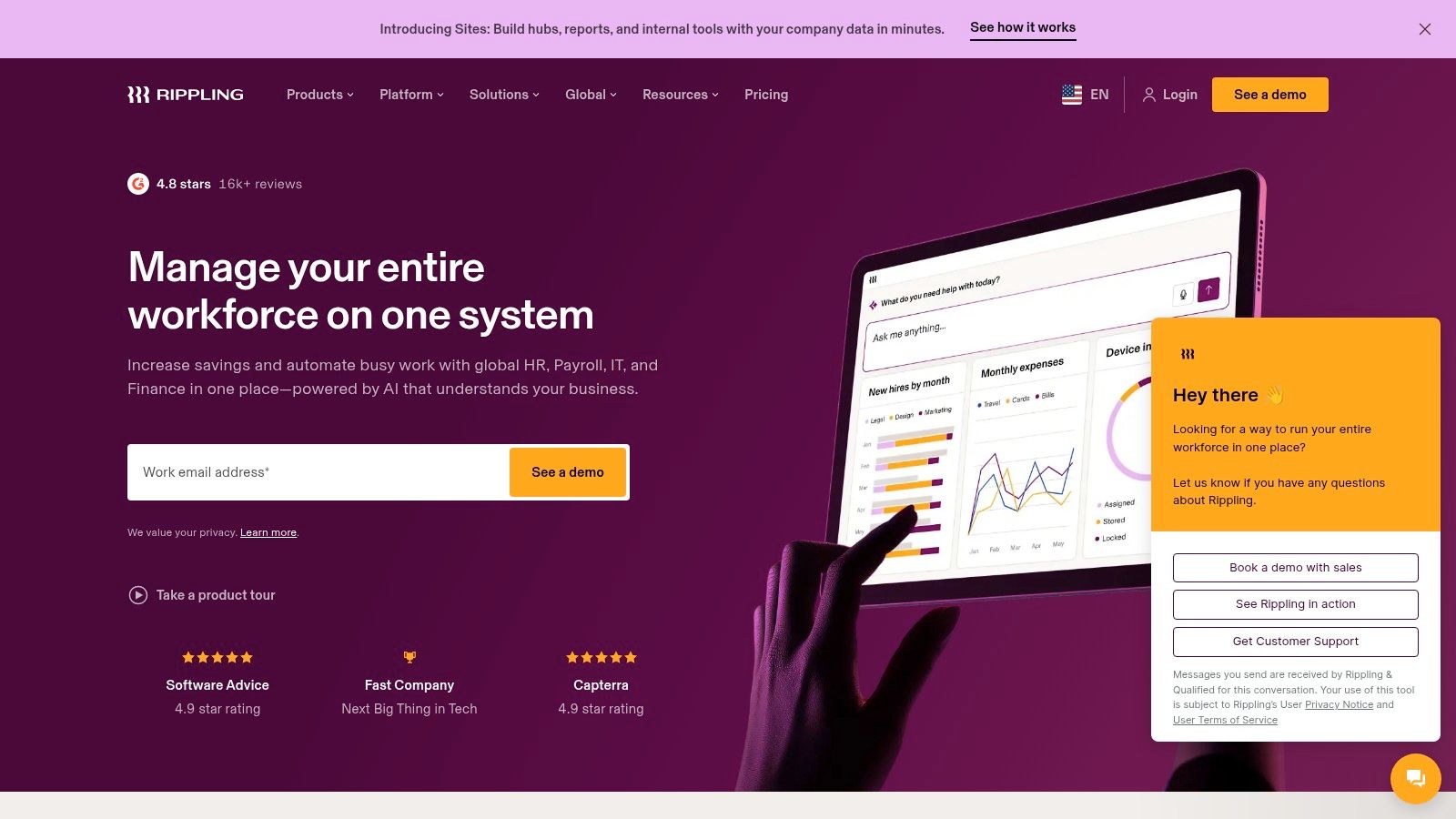
A new hire may need an employee record, payroll setup, software accounts, and a laptop. Rippling is relevant when those jobs should connect. It's less compelling when the company only needs a better place to store personnel documents.
Rippling combines employee data and workflows with optional payroll, benefits, time tracking, IT, and other business modules. Its distinction is the relationship between HR changes and access to workplace systems.
Where the Breadth Pays Off
- Quality, 40%: Connected HR and IT workflows can address work that a records-only HRIS leaves outside the platform.
- Ease of use, 25%: Automation should be judged against configuration effort. Someone still needs to define permissions, approvals, and exceptions.
- Value, 35%: Consolidation is valuable only when the selected modules replace real costs or repetitive work.
Consider a company whose departing employees retain software access until a manager remembers to contact IT. Connecting offboarding with access management addresses a specific operational weakness. Buying the same breadth for a company without that problem may add unnecessary administration.
The main limitation is package complexity. Optional modules make a headline rate an incomplete purchasing guide.
Deciding detail: whether cross-system onboarding and offboarding justify the additional configuration. The quotation should identify required platform components separately from optional payroll, IT, expense, and workforce tools.
4. Zoho People
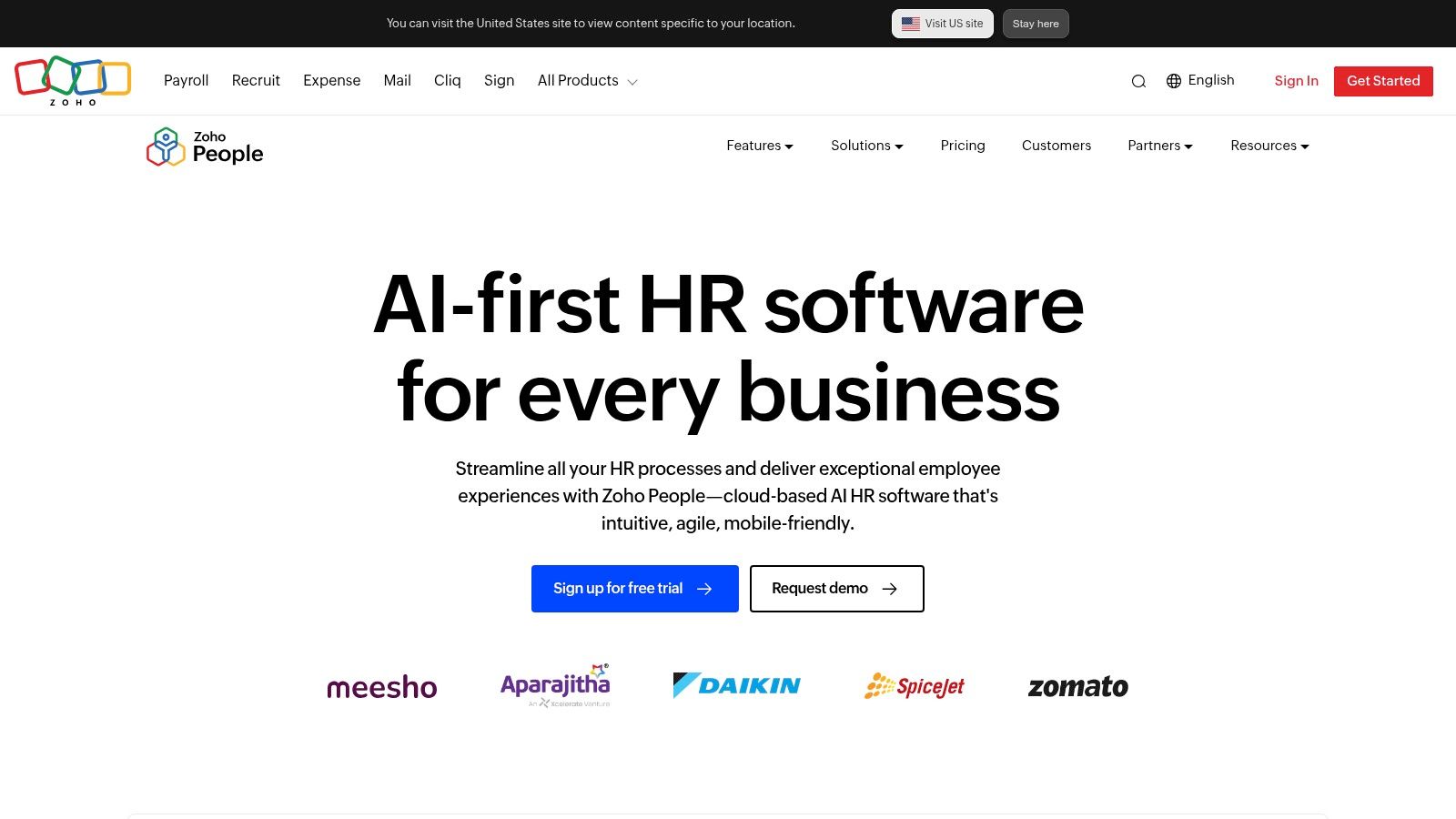
Zoho People belongs on the shortlist for records-first buyers watching subscription costs. It's especially relevant when the business already uses other Zoho applications and wants employee administration within that software environment.
Zoho People offers employee records, documents, leave management, attendance capabilities, and plan-dependent HR processes. Its free and paid options provide different entry points, but they shouldn't be mistaken for interchangeable packages.
For quality, the question is which employee processes the chosen tier covers. Onboarding, attendance, and process automation should appear explicitly in the package comparison if the team needs them.
For ease of use, existing familiarity with Zoho may help, but that isn't proof that every integration works without setup. The buyer should follow an employee change through each connected application.
The Value Test
Value carries 35% of the assessment, so a low entry cost deserves attention without deciding the result. Separate recruiting or payroll applications can change the full monthly commitment and the amount of administration.
The limitation is fragmentation. An inexpensive HR subscription may still leave the employer managing payroll, recruitment, and employee information across separate products.
Deciding detail: whether the selected plan solves the current records and leave problem without requiring an unplanned collection of adjacent subscriptions. Budget-conscious buyers should compare the complete workflow, not the cheapest available tier.
5. Homebase
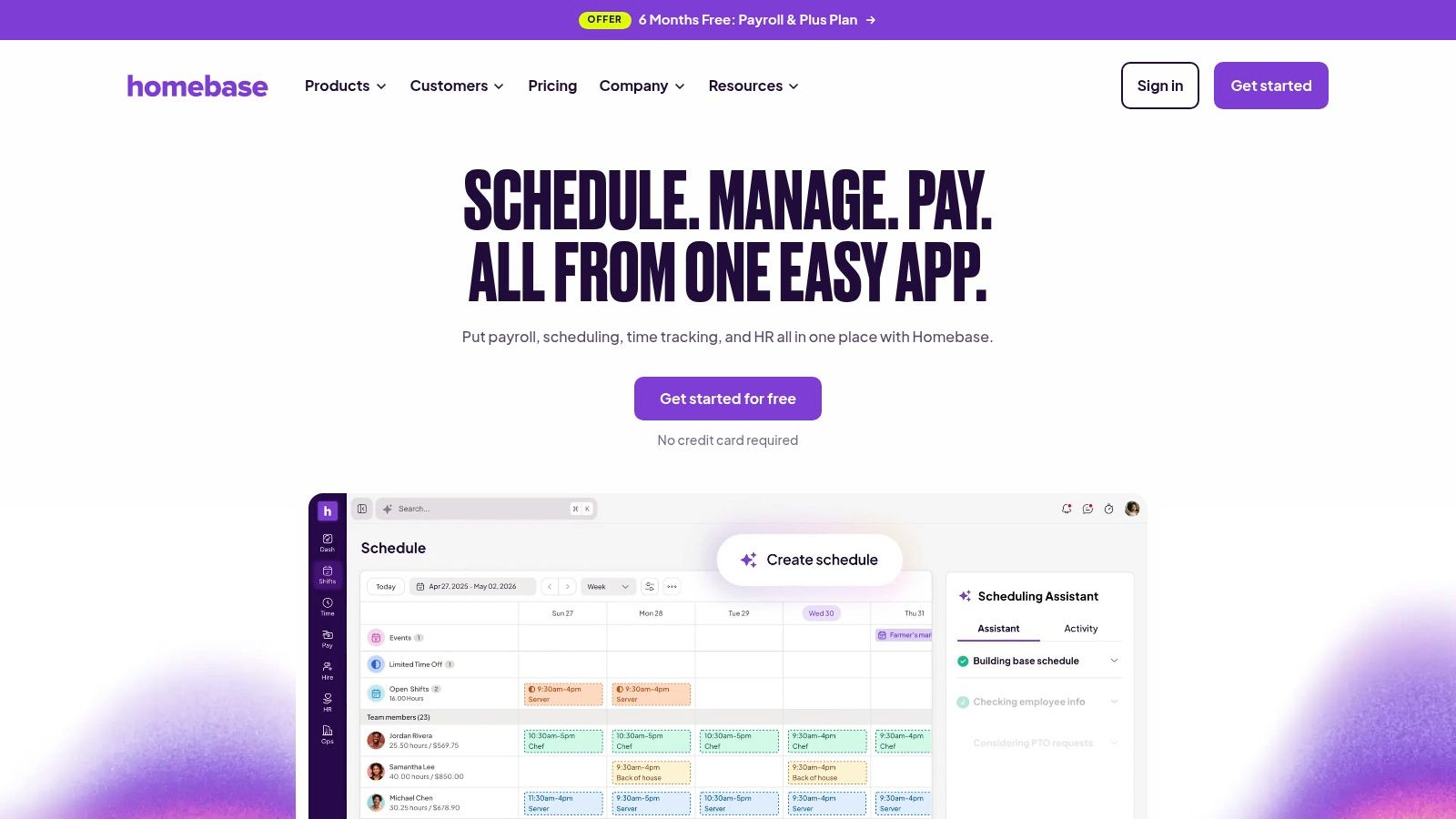
A café manager starts with shifts, not an employee directory. Homebase is a workforce-management choice for hourly operations, with HR capabilities around that operational center.
Homebase brings together scheduling, time clocks, timesheets, team communication, and labor-management tools. Payroll and HR support extend the proposition, subject to the selected plan and services.
- Quality, 40%: Scheduling and timekeeping are the strongest fit. A business seeking deeper employee records or performance management should evaluate those requirements separately.
- Ease of use, 25%: The critical journey runs from publishing a shift to approving worked hours. Employees and managers both need to complete their part without duplicate entry.
- Value, 35%: Free-plan eligibility, location rules, paid features, and payroll charges all affect the complete cost.
Practical rule: For an hourly workforce, demonstrate a missed clock-out, a shift change, and a corrected timesheet before judging the interface.
Homebase's limitation is the same focus that makes it useful. An office-based team seeking a conventional HRIS may not need scheduling at the center of its system.
Deciding detail: whether accurate shift-to-timesheet administration is the business's most important HR workflow. The time-tracking software comparison helps separate dedicated timekeeping needs from a broader HR purchase.
6. OnPay
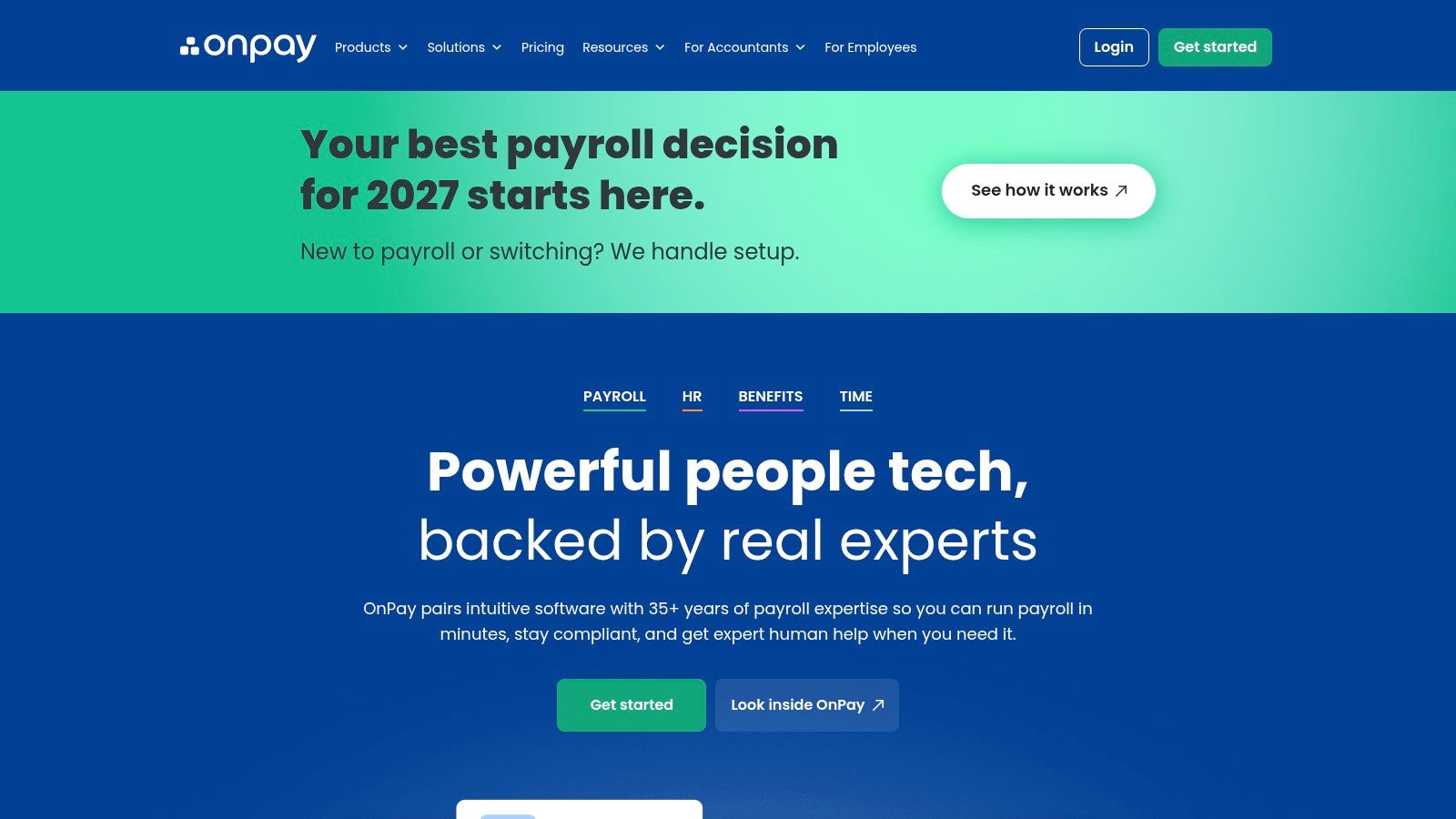
OnPay suits a payroll-first shortlist with room to add HR support. The distinction is important: buying payroll with optional HR tools isn't the same as buying an employee-management platform.
OnPay describes payroll for employees and contractors, automatic federal, state, and local tax filing, and multi-state payroll support. Its offering also includes options for HR tools, time tracking, compliance resources, and live HR assistance.
Payroll Coverage Before Extra Modules
For quality, the buyer should match supported payroll scenarios to the actual workforce. Recurring wages, contractor payments, work locations, deductions, and corrections matter more than the length of a feature list.
For ease of use, the useful demonstration is an exception. A corrected payment or changed employee work location reveals more about administration than an uncomplicated payroll run.
For value, published base-plus-worker pricing can help initial budgeting, but optional HR services and benefits arrangements must be included in the total. Unlimited payroll runs don't make every surrounding service part of the same package.
The limitation is breadth at the base level. A business needing extensive performance management, recruitment, or complex employee workflows should establish whether the available HR products cover those needs.
Deciding detail: whether payroll is the essential purchase and HR support can be added selectively. The employer should also establish who owns filing exceptions, corrections, and escalation when an automated process needs human intervention.
7. Justworks
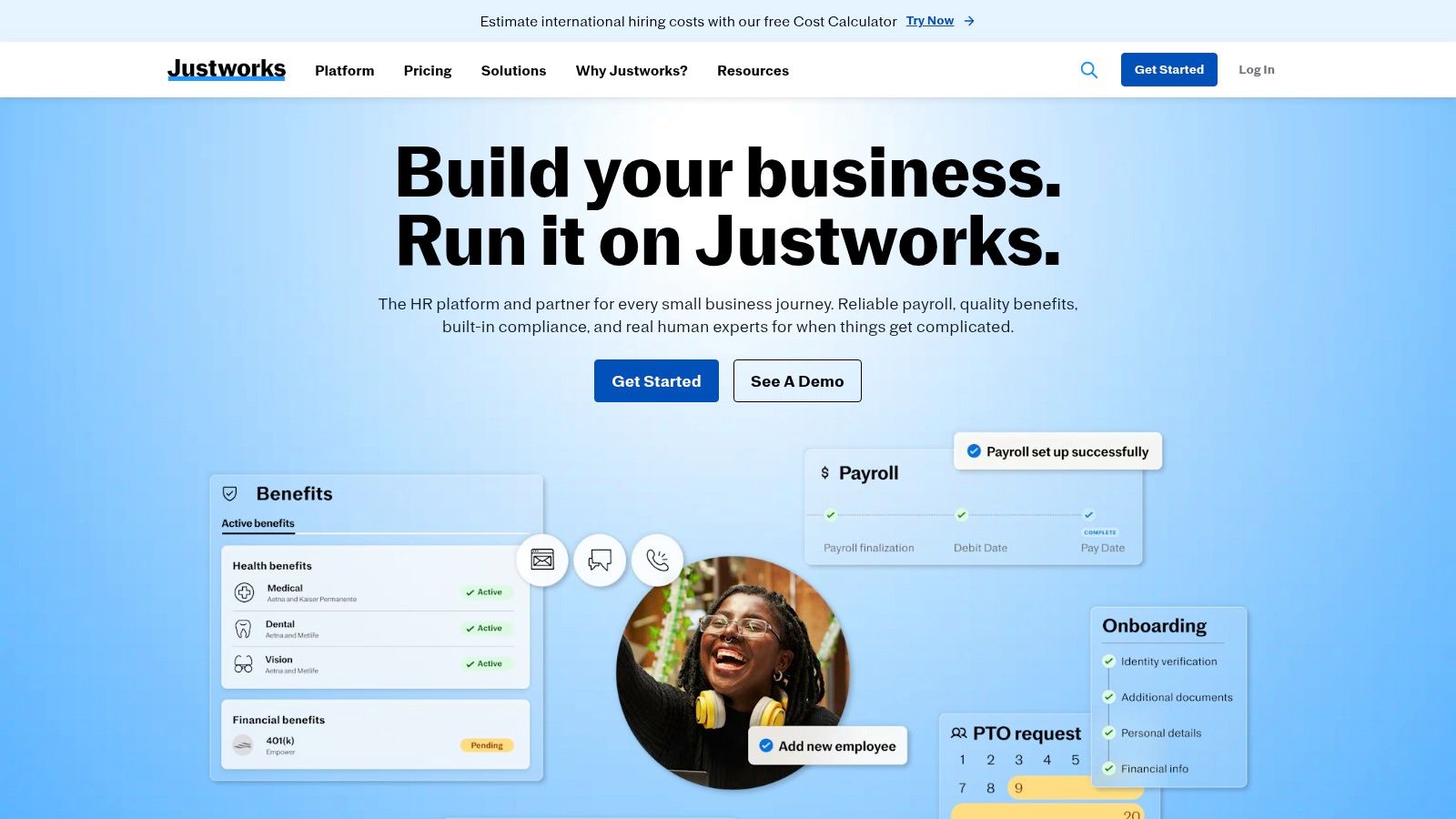
Justworks requires a different comparison because a PEO isn't another HRIS subscription. Its payroll software and professional employer organization offerings address different levels of administrative support.
Justworks offers payroll and HR tools alongside PEO plans that can include HR consulting, compliance assistance, and benefits administration. The buyer therefore needs to compare service responsibilities as well as software functions.
A service-led employment arrangement should be evaluated by what the provider does, what the employer retains, and how either party resolves an exception.
Under quality, access to HR-related services can be more relevant than another self-service module. Benefits administration and compliance support deserve particular attention, but assistance shouldn't be treated as a blanket transfer of responsibility.
Under ease of use, the review should cover how an owner reaches support and what information the company must still supply. Software screens alone won't explain the operating model.
Under value, a PEO package should be compared with the combined alternative of software, benefits administration, and outside assistance. It shouldn't be judged as though it were only a payroll subscription.
The limitation is commitment and fit. Benefits availability, company circumstances, and service terms can affect the arrangement.
Deciding detail: whether the employer wants software to operate internally or a broader service relationship to help run HR.
8. Deel
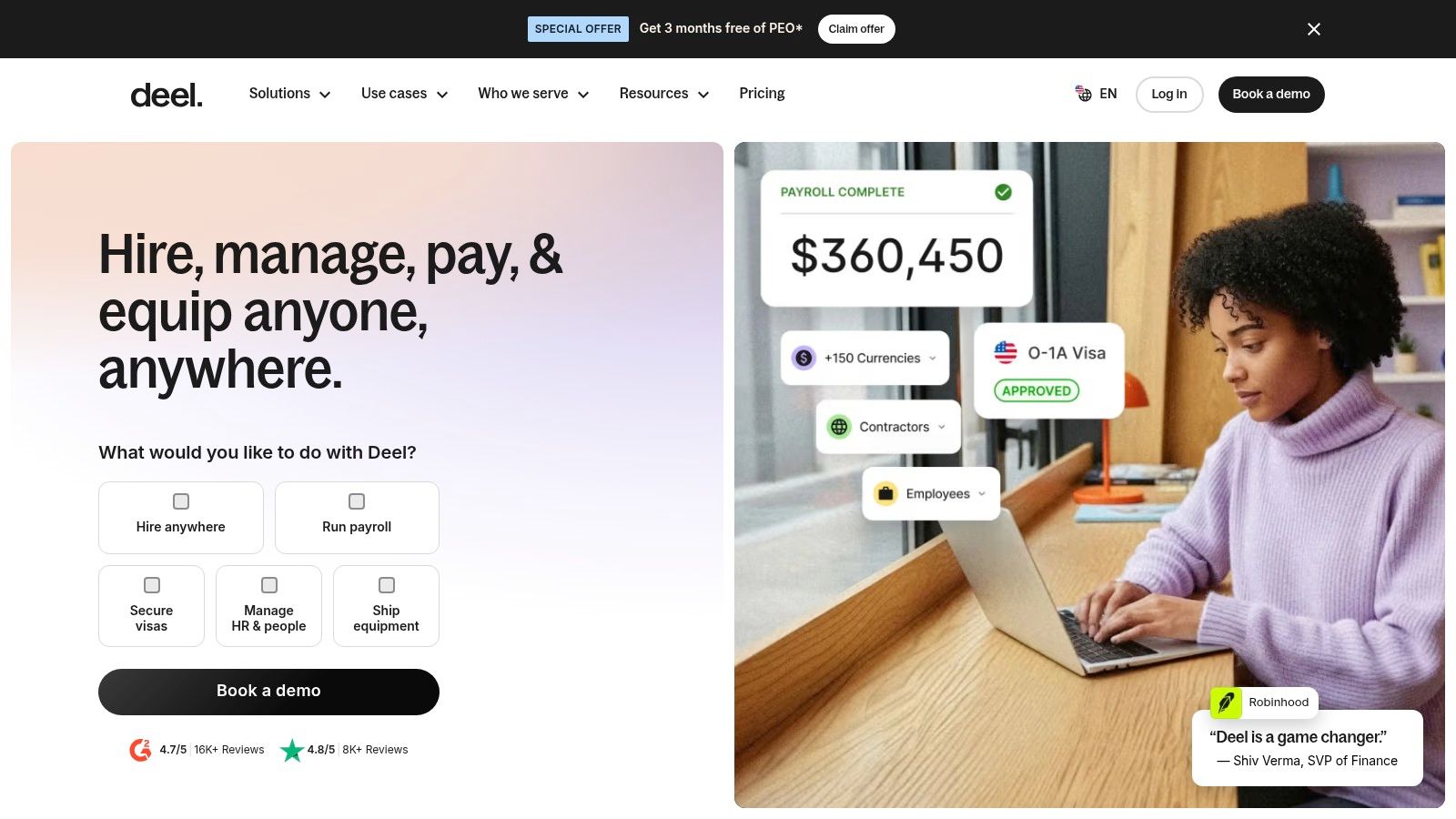
Deel becomes relevant when employees or contractors cross borders. A locally focused company shouldn't assume that international employment capabilities make it a better everyday HR system.
Deel combines employee records and HR management with international hiring and workforce-administration services. Performance, compensation, and other functions can involve separate plans or services.
Judge the Employment Arrangement
- Quality, 40%: The decisive issue is support for the workforce's actual countries and employment arrangements, not generic global positioning.
- Ease of use, 25%: Central records help only if administrators can understand contracts, approvals, payment responsibilities, and local exceptions.
- Value, 35%: HR software, contractor services, payroll, and employer-of-record services shouldn't be treated as equivalent subscriptions.
A small company hiring abroad may need much more than an employee database. It may need a defined employment arrangement, local administration, and a clear allocation of responsibilities. That changes the buying decision substantially.
The limitation is specialization. A domestic business with straightforward payroll may gain little from paying for international services it won't use.
Deciding detail: whether cross-border employment is a current requirement rather than a vague expansion possibility. The service review should identify country coverage, exclusions, termination provisions, and the complete cost of the chosen arrangement before comparing Deel with a domestic HRIS.
9. RUN Powered by ADP
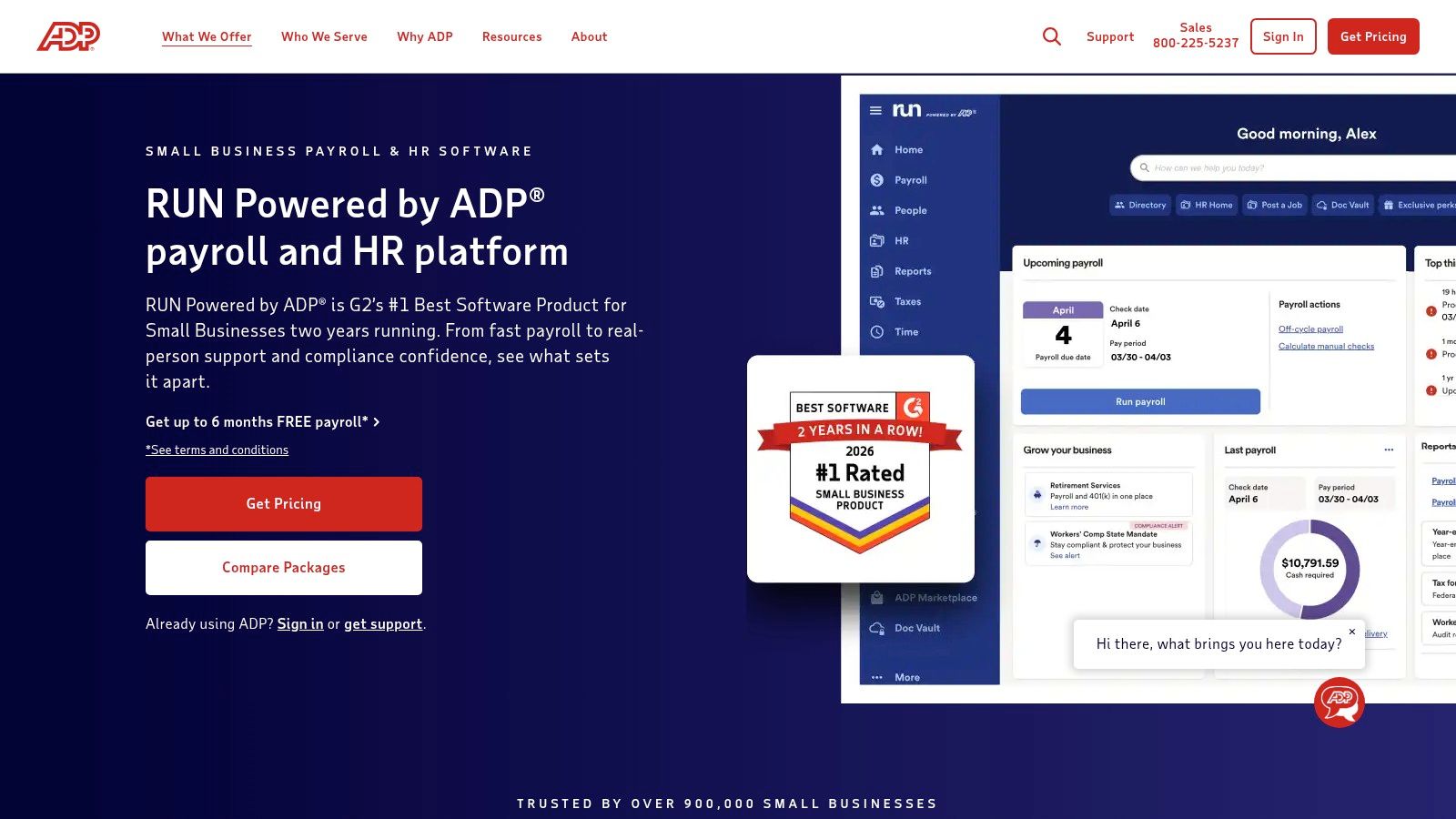
RUN Powered by ADP is a payroll-led option for buyers comfortable with a quotation process. It combines payroll administration with employee access and package-dependent people-management resources.
RUN Powered by ADP describes payroll processing, tax filing, access to pay information and tax forms, and onboarding tools. Higher packages add HR support, compliance guidance, and training resources.
For quality, the package boundary matters. A demonstration of an advanced HR feature doesn't establish that it belongs in the quoted plan.
For ease of use, the assessment should follow the administrator's recurring work: employee changes, payroll approval, reports, and corrections. Employee access should also be demonstrated separately from the manager interface.
Treat the Quote as the Product
For value, quote-based pricing requires a written comparison of included features, additional services, implementation, and renewal terms. A discount is difficult to assess without knowing the ongoing package cost.
The limitation is pricing visibility and package dependence. Teams seeking an immediately comparable subscription may prefer a seller with a clearer public price structure.
Deciding detail: whether the quoted payroll-and-support package solves the company's actual administrative workload. The Paychex Flex review offers a relevant comparison for buyers assessing another payroll-centered provider rather than a records-first HRIS.
10. Factorial
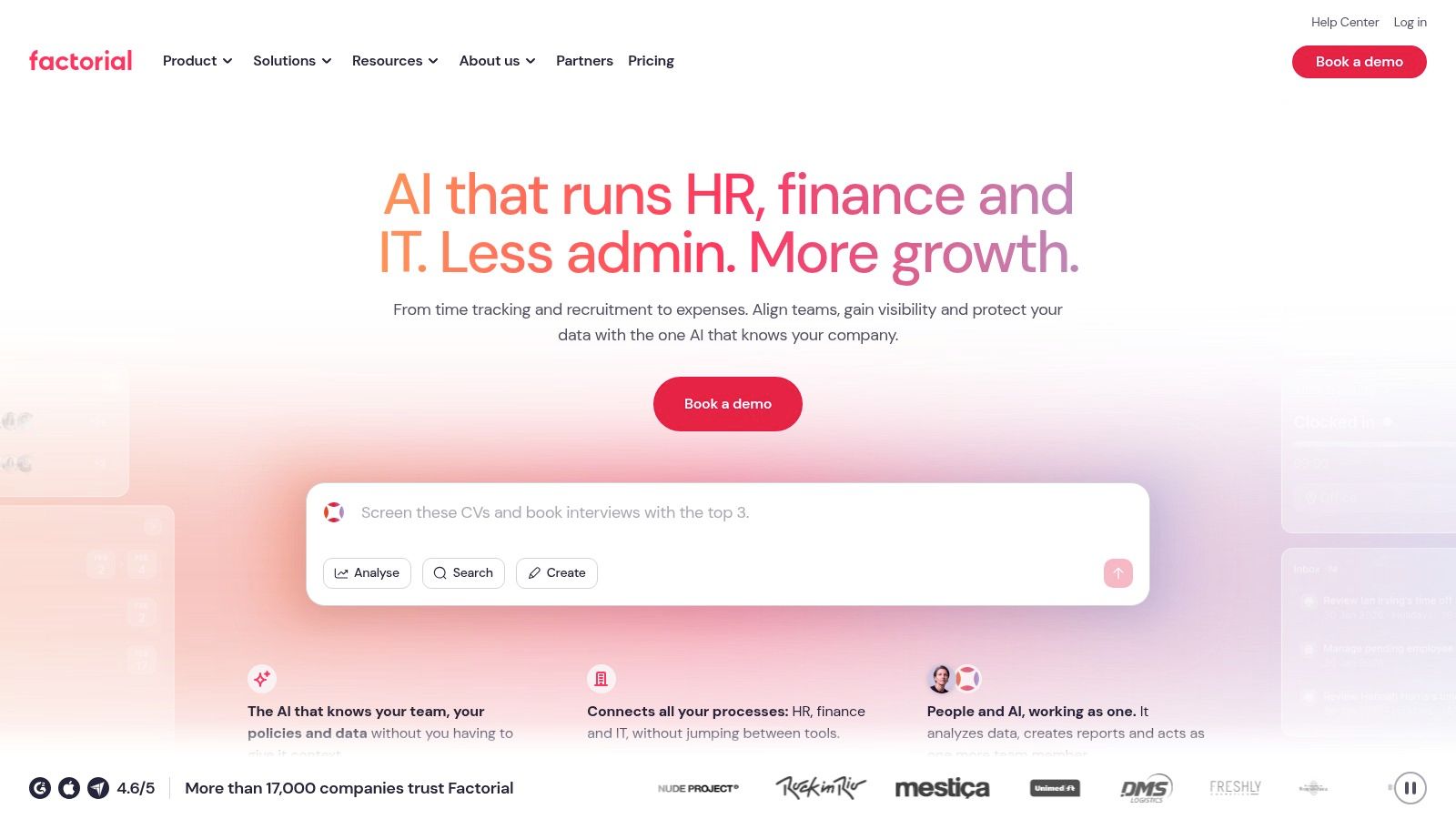
Factorial suits a team seeking connected day-to-day HR functions beyond employee files. Its breadth makes it worth considering when leave, time, shifts, recruitment, and performance currently live in separate processes.
Factorial offers employee administration, onboarding and offboarding, time-related tools, recruitment, performance management, and optional operational modules. Expense, finance, and IT functions extend the potential scope.
- Quality, 40%: The modular range can address several workflows, but the selected package must contain the functions the employer needs.
- Ease of use, 25%: Configuration deserves scrutiny. Approval rules, permissions, and module connections should be demonstrated with the company's likely scenarios.
- Value, 35%: A starting offer isn't a complete budget for a customized package. Optional functions should earn their place individually.
Factorial's limitation is the gap between breadth and simplicity. A company seeking only employee records and leave requests may prefer a narrower system with fewer decisions to maintain.
Payroll also needs a location-specific review. Employee data, time records, payroll preparation, and payroll processing shouldn't be assumed to mean the same thing.
Deciding detail: whether connecting operational HR tasks removes enough separate administration to justify configuration. A useful demonstration follows an approved absence into staffing visibility and any payroll-related output, showing exactly where another system remains necessary.
HR systems for small companies at a glance
The shortlist is easier to read by operating model than by logo. Payroll-led tools fit teams whose main risk is tax and pay accuracy; HR-led tools fit teams managing records, leave and hiring administration; modular suites fit companies that expect to connect HR to IT, finance or global hiring.
Each entry is scored from 0 to 10 with the same public formula used across FruitPunch rankings: quality 40%, ease of use 25% and value 35%. Cost should be read the same way FruitPunch advises for any service: compare a typical month, not a headline fee, because per-worker charges, locations, modules, support and implementation can change the actual bill. A seller-page price is useful only when current; a sales quote or unclear rate is a value risk.
| Product and best for | Core focus | Scalability |
|---|---|---|
| Gusto: U.S. small businesses seeking payroll and HR | Payroll, tax filing, onboarding, benefits, and HR tools | Payroll-led plans with higher-tier HR options |
| BambooHR: Companies seeking a dedicated HR system | Employee records, hiring, onboarding, time off, and reporting | Higher tiers add performance, compensation, and analytics tools |
| Rippling: Growing companies connecting HR and IT | Modular HR, payroll, benefits, time tracking, and IT tools | Add-on modules support broader needs but increase costs |
| Zoho People: Budget-conscious teams using Zoho products | Employee records, time off, attendance, and HR processes | Free tier covers a small team; integrations and paid plans support broader needs |
| Homebase: Hourly teams and fixed-location businesses | Scheduling, time tracking, team communication, and payroll options | Free plan covers basics; paid features and location limits vary by plan |
| OnPay: Companies seeking U.S. payroll with optional HR tools | Payroll, tax filing, and optional HR and compliance products | Add-on HR and support options can scale with needs |
| Justworks: Owners seeking payroll plus HR services | Payroll, PEO services, benefits, and compliance support | Software and PEO plans offer different levels of service |
| Deel: Small companies with international workers | HR tools and global hiring and workforce administration | Services and costs vary by selected functions and countries |
| RUN Powered by ADP: Small businesses seeking an established payroll provider | Payroll, tax filing, employee access, and HR tools | Higher packages add HR support and compliance resources |
| Factorial: Small companies wanting configurable HR modules | Employee administration, time, shifts, recruitment, and performance | Optional modules expand coverage; tailored plans may affect cost |
Two entries show a free route in this glance: Zoho People for a small team and Homebase for basic needs. That lowers the cost of a trial run, but limits on users, locations, payroll and exports still decide whether the system survives first contact with real employee data.
How to Choose and Switch Without Regret
Start with the work, not the product category. List the tasks someone completes each month: employee changes, leave approvals, timesheet corrections, payroll, benefits updates, onboarding, and departures. Assign an owner to each task and identify every place the same information gets entered again.
Then compare a typical full month's cost. Include the platform, employee or contractor charges, locations, required modules, support, implementation, and integrations. Separate published seller pricing from quotations, and record the date attached to any verified price rather than treating an old starting offer as a current commitment.
Make the Demonstration Prove the Fit
- Follow a real workflow: Move a sample employee through onboarding, a pay change, leave, and departure.
- Test an exception: Correct a timesheet or payment and inspect the approval history.
- Review access: Confirm who can see compensation, sensitive documents, and employee changes.
- Test the exit: Export records and establish what remains accessible after cancellation.
Recordkeeping belongs in the selection decision. The U.S. Department of Labor's small-business guidance states that employers must keep employee time and payroll records under laws enforced by its Wage and Hour Division. A system should therefore provide usable records and export controls, not merely an attractive employee directory.
Payroll automation also needs an exception process. Identify who investigates errors, authorizes corrections, communicates with employees, and escalates filing problems. Outsourced processing and compliance assurance aren't interchangeable promises; the service agreement needs to define responsibilities.
Switch Only After Reconciliation
Clean employee names, work locations, balances, deductions, and permissions before importing them. Reconcile imported information against existing records, then validate payroll outputs before authorizing live payments. Keep historical exports independently accessible and assign someone to confirm that integrations continue working.
Benefits deserve the same discipline. Compare employer cost, employee contributions, eligibility, renewal exposure, and actual usefulness rather than counting available plans. An enrollment tool can administer a benefit without making that benefit affordable or valuable.
FruitPunch's public scoring method offers a repeatable model: assess quality, ease of use, and value separately, then apply the stated weights. Its seller-sourced, dated-pricing policy and broader software rankings provide useful cross-checks. The best choice isn't the system with the longest feature list. It's the one that handles the team's recurring work, preserves its records, and has a complete cost the business understands.
FruitPunch publishes scored software comparisons, sourced statistics, and explanatory guides for purchasing decisions. Visit FruitPunch to cross-check payroll, time-tracking, and other business software before committing to an HR platform.
Spotted an error in this guide? Email editorial@fruitpunch.ai