Review · AI & data
 Dify review
An open-source platform for building AI agents and agentic workflows, offered as Dify Cloud or as a self-hosted Community Edition.
By the FruitPunch research desk · Updated November 20, 2026
The short answer
Dify is an open-source platform for building AI agents, agentic workflows and retrieval apps over your own documents, available as the hosted Dify Cloud or as a self-hosted Community Edition. It is a strong pick for small technical teams that want a free path and a hosted option: the Sandbox cloud plan is free and Professional cost $590 per workspace per year ($59 billed monthly) when checked in November 2026. Teams that mainly connect business apps to each other are better served by a general automation tool.
- Quality (40%)
- 8.0
- Ease of use (25%)
- 7.6
- Value (35%)
- 8.4
What it looks like
Our verdict
Dify suits developers and small product teams building chat apps, agents and document Q&A on top of their own knowledge bases, especially those who want to start on a free plan and keep the option of running the open-source edition on their own servers. It is a poor fit for teams whose main need is moving data between SaaS apps, for groups larger than 3 people on a tight budget, and for anyone planning to sell a multi-tenant service built on the open-source code. The deciding fact is the plan structure: Professional at $590 a year covers one workspace with 3 members, 50 apps and 5,000 message credits a month, while the next step, Team, costs $1,590 a year for up to 50 members.
Overview
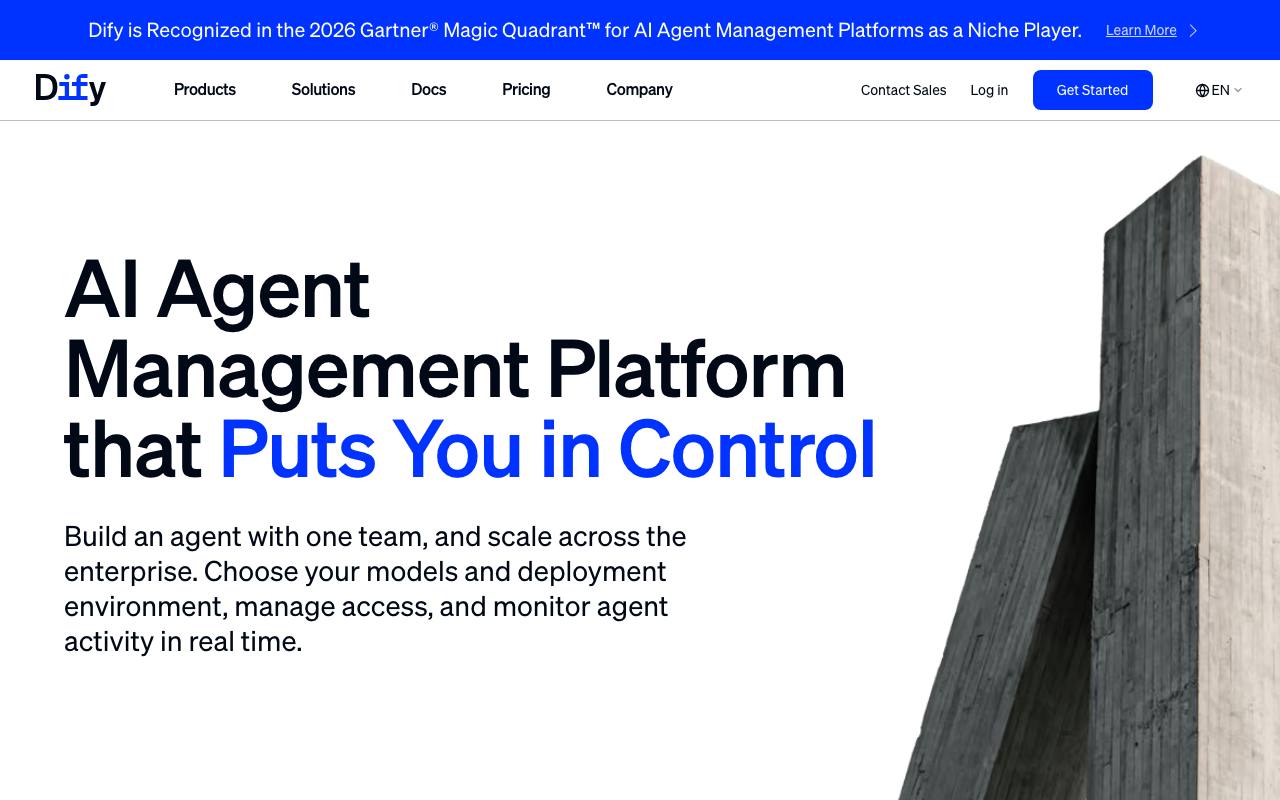
Dify is built by LangGenius, Inc. and describes itself in its docs as an open-source platform for building AI applications: agents, agentic workflows and chatbots that draw on your own data, published as web apps or used through an API. The name, per the docs, comes from Do It For You. The core pieces are Workflow Studio, a visual canvas for chaining model calls, logic, tools and human input; an Agent builder; a Knowledge Pipeline that extracts, cleans, chunks and indexes files, websites and online documents; and a Marketplace for model providers, tools, data sources and MCP integrations.
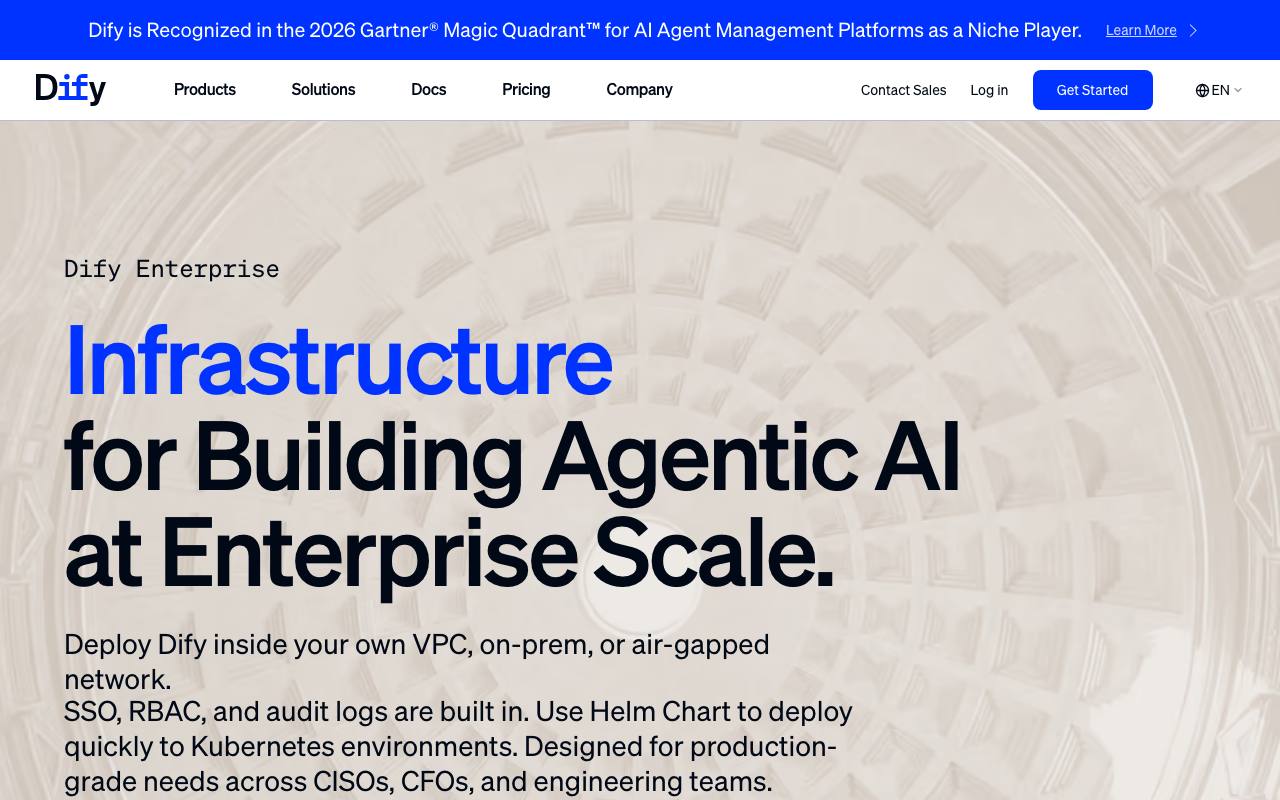
Dify runs three ways. Dify Cloud is the managed service with Sandbox, Professional and Team plans. The Community Edition is the free self-hosted version, which the GitHub README says needs at least 2 CPU cores and 4 GiB of RAM and starts with Docker Compose. Dify Enterprise is the paid self-hosted or VPC option with SSO, RBAC, audit logs, a Helm chart for Kubernetes and a commercial license, priced by contact with sales.
Recent changes center on agents. The README now describes agents with their own sandbox that can run commands, install software and handle files, and an agent that can be described in plain language and built for you. Dify apps can also be published as MCP-compatible tools, per the Dify homepage. The latest GitHub release when checked was version 1.20.0, published on 18 November 2026, and the repository showed about 161.6k stars.
Among the agent platforms on this site, Dify sits closest to n8n: both can be self-hosted and both suit technical builders. n8n is stronger for app-to-app automation with hundreds of integrations, while Dify puts retrieval, prompt work and chat apps first. Zapier Agents and Make are easier for non-technical teams, Microsoft Copilot Studio fits Microsoft 365 organizations, and LangSmith with LangGraph suits teams that prefer to write agent code rather than use a visual builder.
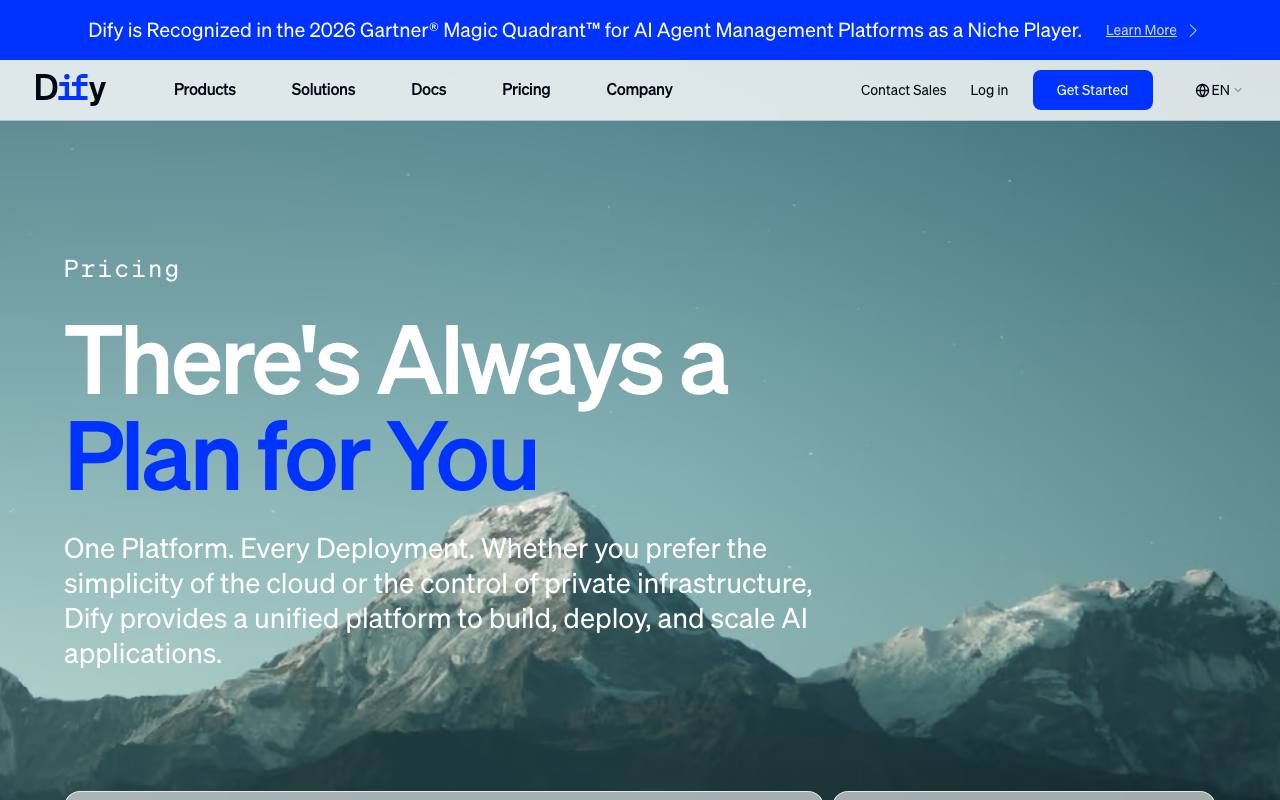
The limits are clear on the pricing page. The free Sandbox plan has 200 message credits, 1 member, 5 apps, 50 knowledge documents, 50MB of knowledge storage, 30 days of logs and up to 2 triggers per workflow. Professional caps a workspace at 3 members and 5GB of knowledge storage. The Community Edition is limited to a single workspace, and its license, a modified Apache 2.0, requires a commercial license from Dify to run a multi-tenant service or to remove the Dify logo and copyright from the frontend.
How it scored
Dify suits teams that want open source without giving up a hosted option. Its visual Workflow Studio builds agentic workflows, and its knowledge pipeline prepares documents for retrieval. Dify Cloud starts with a free Sandbox plan of 200 message credits. The Professional plan costs $590 per workspace per year and includes 5,000 message credits a month, 3 team members, 50 apps, 500 knowledge documents, 5GB of knowledge storage and 20,000 trigger events a month. Credits work across models from OpenAI, Anthropic, Gemini, xAI and Tongyi, and you can switch to your own API key once they are used. The Team plan is $1590 per workspace per year. Teams that would rather run it themselves can use the open-source Community Edition. Dify asks more of builders than Zapier or Make, which is why it scores lower on ease of use.
Who it is for
teams that want open source with a hosted option
Good fit if
- Developers and small product teams building chatbots, agents and document Q&A apps over their own knowledge bases
- Teams that want to self-host the free Community Edition with Docker on a modest server (2 CPU cores and 4 GiB of RAM minimum)
- Builders who want to test models from OpenAI, Anthropic, Gemini, xAI and Tongyi in one place, then switch to their own API keys
- Teams that want to publish the same AI logic as a web app, an embed, a REST API or an MCP tool
- Larger companies needing private deployment with SSO, RBAC and audit logs through Dify Enterprise
Skip it if
- Teams whose main job is syncing data between business apps such as CRMs and spreadsheets: n8n or Make cover more app integrations
- Non-technical staff who want plain-language automation with no setup: Zapier Agents is the simpler start
- Organizations already standardized on Microsoft 365 that want agents inside Teams: Microsoft Copilot Studio fits that stack
- Companies planning to run Dify as a multi-tenant service for their own customers without a commercial agreement: the open-source license does not allow it
Specifications
From Dify's own pages, each linked
- Deployment options
- Dify Cloud (managed), Community Edition (self-hosted), Dify Enterprise (self-hosted or VPC)
- source
- License
- Dify Open Source License, a modified Apache 2.0 with multi-tenant and branding conditions
- source
- Model support
- Hundreds of proprietary and open-source LLMs, including any OpenAI API-compatible model
- source
Price
Free Sandbox plan; Professional $590 per workspace per year (about $49.17 per month).
$590 per workspace / year
Quoted from the vendor pricing page on November 20, 2026.
Plans and prices
Quoted from the seller, with the date we checked
| Plan | Price | What is included | Checked |
|---|---|---|---|
| Sandbox (cloud) | Freeno charge | 200 message credits; 1 workspace, 1 team member, 5 apps; 50 knowledge documents and 50MB knowledge storage; 3,000 trigger events and up to 2 triggers per workflow; 30 days of log history and 5,000 API calls per month | Checked Nov 20, 2026 |
| Professional (cloud) | $590 per workspace per year, or $59 per month billed monthlyannual or monthly; annual saves 17%; taxes excluded | 5,000 message credits per month; 1 workspace, 3 team members, 50 apps; 500 knowledge documents and 5GB knowledge storage; 20,000 trigger events per month and unlimited triggers per workflow; Unlimited log history and no Dify API rate limit | Checked Nov 20, 2026 |
| Team (cloud) | $1,590 per workspace per year, or $159 per month billed monthlyannual or monthly; annual saves 17%; taxes excluded | 10,000 message credits per month; 1 workspace, 50 team members, 200 apps; 1,000 knowledge documents and 20GB knowledge storage; Unlimited trigger events and priority workflow execution; 5,000 annotation quota and 1,000 knowledge requests per minute | Checked Nov 20, 2026 |
| Community Edition (self-hosted) | Freeno license fee; you pay for your own server and model usage | All core features released in the public repository; Single workspace; Use under the Dify Open Source License; Community Discord and forum support | Checked Nov 20, 2026 |
| Enterprise (self-hosted or VPC) | price not listed, contact salescustom contract | Commercial license and multiple workspaces; SSO via SAML or OIDC, RBAC and SCIM provisioning; Audit logs streamed to a SIEM; Helm chart for Kubernetes and air-gapped deployment; Named customer success manager and 1-hour response on Sev-1 issues | Checked Nov 20, 2026 |
Key features
Workflow Studio
A visual canvas where each step of an app is a block: model calls, retrieval, decisions, tool use and human input. Dify's homepage says the logic stays visible so teams can test and debug each step before deploying.
Agents with their own sandbox
Per the GitHub README, agents can run commands, install software and handle files in a sandbox, connect to Marketplace tools, MCP servers or your own APIs, and run as a chat app or as a step inside a workflow.
Knowledge Pipeline
Repeatable pipelines that take files, websites, online documents and drives, then extract, clean, chunk and index them, with retrieval testing before the knowledge base is connected to an app. The README notes built-in text extraction from PDFs and PPTs.
Model choice with included credits
Cloud plans include message credits for models from OpenAI, Anthropic, Gemini, xAI and Tongyi. Once credits run out, the pricing page says you can switch to your own API key; self-hosted installs can use any OpenAI API-compatible model.
Publish as app, API or MCP tool
The same app can ship as a hosted web app, a website embed, a REST API endpoint or an MCP-compatible tool, according to Dify's homepage, so other agents and clients such as Claude Desktop or Cursor can call it.
Logs, annotations and observability
Dify records logs, feedback, latency and usage, and lets teams annotate replies in chat apps. The README lists integrations with Opik, Langfuse and Arize Phoenix for tracing.
Triggers
Workflows can start automatically from plugin, schedule or webhook triggers. The pricing page counts these as trigger events: 3,000 on Sandbox, 20,000 a month on Professional and unlimited on Team.
Strengths and weaknesses
What we like
- Two free routes: the Sandbox cloud plan with 200 message credits and the self-hosted Community Edition with all core features from the public repository
- Professional costs $590 per workspace per year, which works out to about $49 a month, and is billed per workspace rather than per user
- Included credits cover models from 5 providers (OpenAI, Anthropic, Gemini, xAI and Tongyi), with the option to switch to your own API key
- Retrieval is built in: Professional includes 500 knowledge documents and 5GB of knowledge storage, Team includes 1,000 documents and 20GB
- Self-hosting needs only 2 CPU cores and 4 GiB of RAM with Docker Compose, per the README
- Large open-source project with about 161.6k GitHub stars and a release on 18 November 2026
- Paid cloud plans have unlimited log history and no Dify API rate limit
What could be better
- Professional is limited to 3 team members; the next tier, Team, costs $1,590 a year, almost 2.7 times as much
- Sandbox is tight for real use: 1 member, 5 apps, 50MB of knowledge storage and 30 days of logs
- The Community Edition supports a single workspace, and multiple workspaces and SSO are listed only under Enterprise
- The license is not plain Apache 2.0: running a multi-tenant service or removing the Dify logo from the frontend requires a commercial license
- Message credits are consumed by model type, so heavy use of larger models means adding your own API keys and paying the model provider separately
- Fewer ready-made business app connectors than general automation tools, so app-to-app workflows often need HTTP requests or plugins
Key facts
- Free plan: Sandbox, 200 message credits
- Cheapest paid plan: Professional, $590 per workspace per year
- Professional limits: 3 members, 50 apps, 5,000 message credits per month
- Self-hosting: Community Edition, open source
- Next tier: Team, $1590 per workspace per year
Where it ranks
Dify is No. 7 in our Best AI Agent Platforms verdict.
Alternatives to consider
Also self-hostable and aimed at technical teams, but stronger for app-to-app automation, with 500+ integrations and billing per full workflow run.
Easier for non-technical teams that want agents working across common business apps without building a workflow canvas.
A visual scenario builder for teams whose main need is connecting SaaS apps rather than building retrieval or chat apps.
The better fit for organizations on Microsoft 365 that want agents inside Teams and Microsoft's admin controls.
Suits engineering teams that prefer to write agent logic in code and want tracing and evaluation around it.
Questions readers ask
- Is Dify free?
- Yes, in two ways: the Dify Cloud Sandbox plan is free with 200 message credits, 1 member and 5 apps, and the self-hosted Community Edition is free to run under the Dify Open Source License. You still pay for your own server and model API usage when self-hosting.
- How much does Dify cost?
- Dify Cloud Professional costs $590 per workspace per year or $59 billed monthly, and Team costs $1,590 per year or $159 monthly, per Dify's pricing page in November 2026. Prices exclude taxes, and Enterprise pricing is by quote.
- Is Dify worth it?
- Dify is worth it for small technical teams building chat apps, agents and document Q&A, since Professional includes 5,000 message credits a month, 50 apps and 5GB of knowledge storage for $590 a year. It is less suited to teams that mostly connect business apps or need more than 3 seats on a small budget.
- Is Dify open source?
- Dify's code is public on GitHub under the Dify Open Source License, a modified Apache 2.0. The extra conditions require a commercial license to run a multi-tenant service or to remove the Dify logo and copyright from the frontend.
- Dify vs n8n: which should I choose?
- Choose Dify if your focus is LLM apps, retrieval over your own documents and chat interfaces; choose n8n if your focus is automating workflows across many business apps. Both offer a free self-hosted edition and a paid cloud service.
- Can I self-host Dify?
- Yes, the Community Edition runs with Docker Compose on a machine with at least 2 CPU cores and 4 GiB of RAM, according to the GitHub README. Dify Enterprise adds a Helm chart for Kubernetes, SSO and audit logs for larger deployments.
- Which AI models does Dify support?
- Dify supports hundreds of proprietary and open-source models, including any OpenAI API-compatible model, per its README. Cloud message credits cover models from OpenAI, Anthropic, Gemini, xAI and Tongyi, after which you can add your own API key.
- Does Dify support MCP?
- Yes, Dify can connect to MCP servers as tools for agents and can publish its own apps as MCP-compatible tools. Dify's docs cover use of a published app from Claude Desktop and Cursor.
Sources we checked
- Dify Pricing, checked November 20, 2026
- Dify homepage, checked November 20, 2026
- Dify Enterprise, checked November 20, 2026
- Dify Documentation: introduction, checked November 20, 2026
- Dify Docs: MCP Server, checked November 20, 2026
- langgenius/dify on GitHub (README), checked November 20, 2026
- Dify Open Source License, checked November 20, 2026
- Dify release 1.20.0, checked November 20, 2026
Deep review last updated November 20, 2026. We recheck prices and specs against these pages; send corrections to the address below.
Alternatives we scored
- Zapier Agents8.8
- n8n8.6
- Make8.4
- Lindy8.3
Visit dify.ai · Questions or corrections: editorial@fruitpunch.ai